Registering Addresses and Users for Scanner Functions
196
7
E-mail Destination
Register e-mail destinations so you do not need to enter an e-mail address every
time, and can send scan files from scanner function by e-mail.
• It is easy to select the e-mail destination if you register “Name" and “Key Dis-
play" as the e-mail destination.
• You can register e-mail destinations as a group.
• You can use the e-mail address as the sender's address when sending scan
files in scanner mode. If you want to do this, set a protection code on the send-
er address to prevent unauthorized access.
Note
❒ You can select an e-mail address from an LDAP server, and then register it in
the Address Book. See “Sending Scan File by E-mail", Scanner Reference.
Reference
p.228 “Registering a Protection Code”
Registering an E-mail Destination
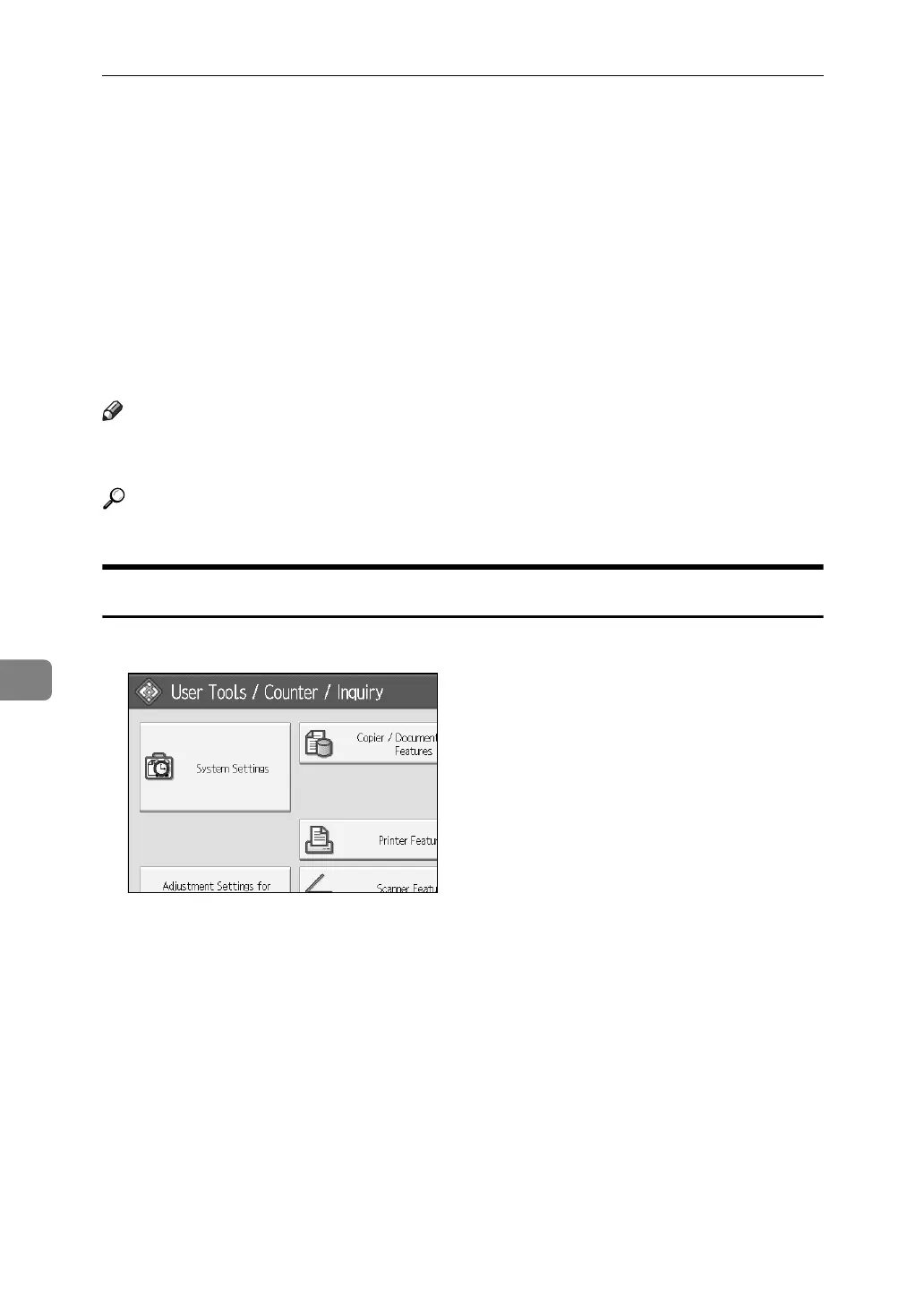
A Press [System Settings].
B Press [Administrator Tools].
C Press [Address Book Management].
D Check that [Program/Change] is selected.
E Select the name whose e-mail address you want to register. Press the name
key, or enter the registered number using the number keys.
F Press [E-mail].



 To Next Page