E-mail Destination
197
7
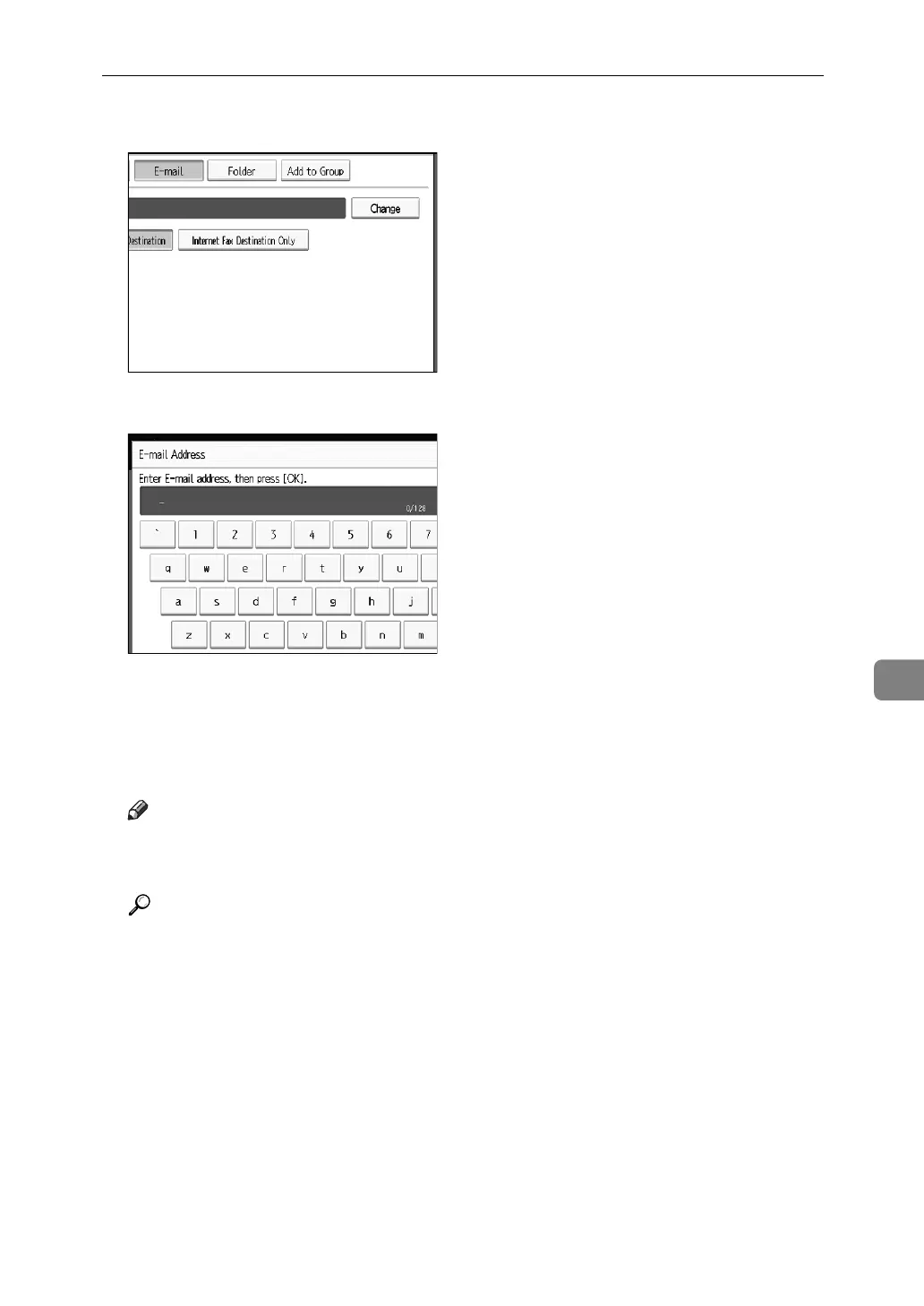
G Press [Change].
H Enter the e-mail address.
I Press [OK].
J Select [E-mail].
K Press [OK].
Note
❒ You can enter up to 128 characters for the e-mail address.
❒ To register the name, see “Registering Names”.
Reference
p.184 “Registering Names”
p.187 “Registering a User Code”
p.219 “Registering Names to a Group”



 To Next Page