Copying
52
2
Reference
“Copier/Document Server Features”, General Settings Guide
Selecting Copy Paper
There are two ways to select copy paper:
❖ Auto Paper Select
The machine selects a suitable size of copy paper automatically based on the
original size and the reproduction ratio.
❖ Manual Paper Select
Choose the tray containing the paper you wish to copy onto: a paper tray,
multi bypass tray, Large Capacity Tray (LCT) or Wide Large Capacity Tray
(Wide LCT).
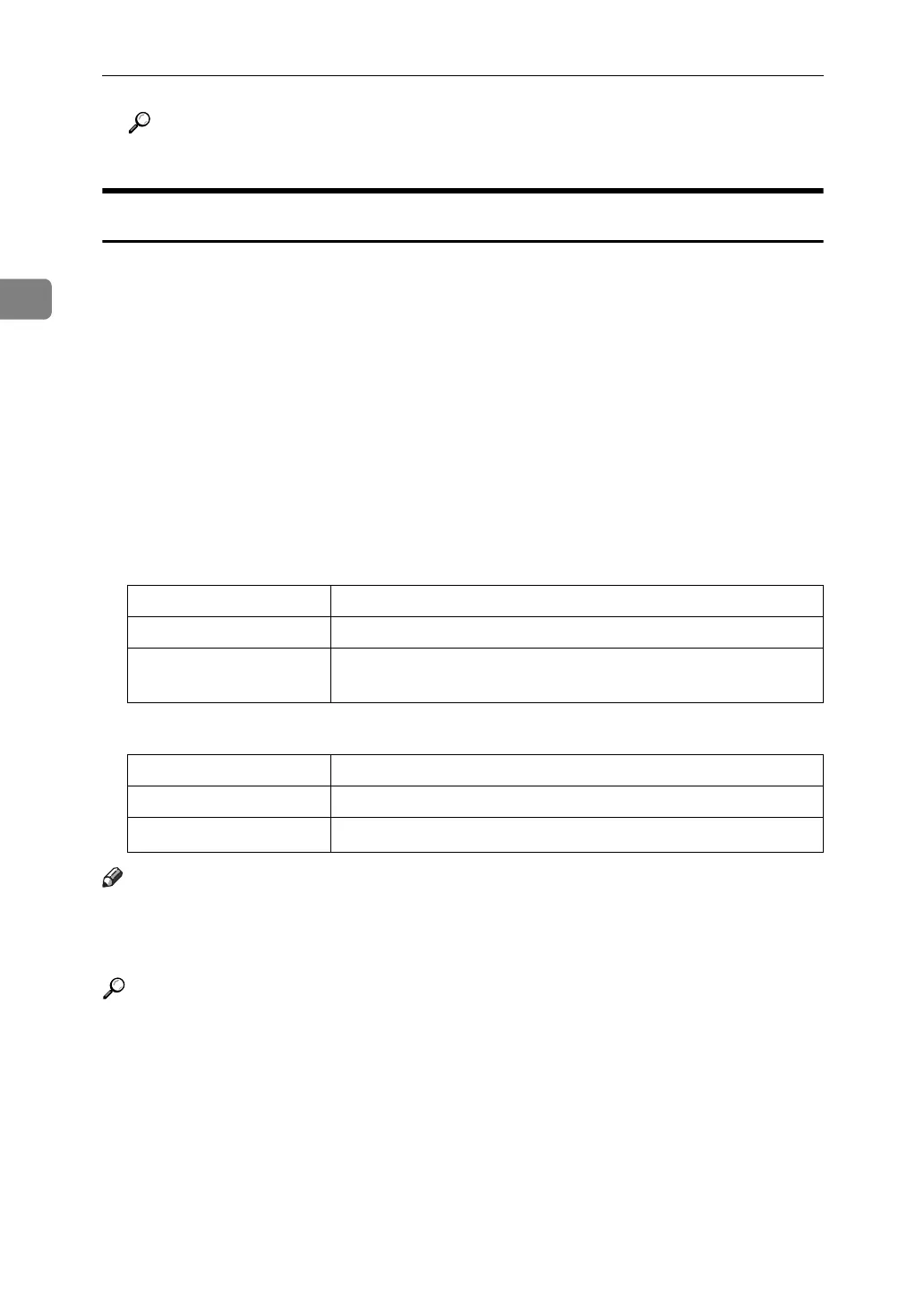
The following table shows copy paper sizes and directions that can be used with
Auto Paper Select (when copying at a ratio of 100%).
❖ Metric version
❖ Inch version
Note
❒ Only the paper trays set to [Do not Display] or [Recycled Paper] for Paper Type
and also set to [Yes] for Apply Auto Paper Select in Tray Paper Settings can
be selected in Auto Paper Select mode.
Reference
p.12 “Originals not recommended for the Auto Document Feeder (ADF)”
“Items of Tray Paper Settings”, General Settings Guide
Original location Paper size and orientation
Exposure glass A3L, A4KL, A5K, 8" × 13"L
ADF A3L , B4 JISL, A4KL, B5 JISKL, A5KL, B6 JISKL,
11" × 17"L, 8
1
/
2
" × 11"KL, 8" × 13"L, 8KL, 16KKL
Original location Paper size and orientation
Exposure glass 11" × 17"L, 8" × 13"L
ADF
A3L, A4KL, 11" × 17"L, 8
1
/
2
" × 11"KL, A5KL, 8" × 13"L



 To Next Page