Copying from the Multi Bypass Tray
47
2
When copying onto Custom Size Paper
Makes copies onto custom size paper from the multi bypass tray.
A Fit the side fence to the paper size, and then place paper in the multi bypass
tray (Tray 7).
B Fit the end fence to the paper, and then press the elevator switch on the
multi bypass tray (Tray 7).
C Select the multi bypass tray (Tray 7) on the control panel.
D Press the {q} key.
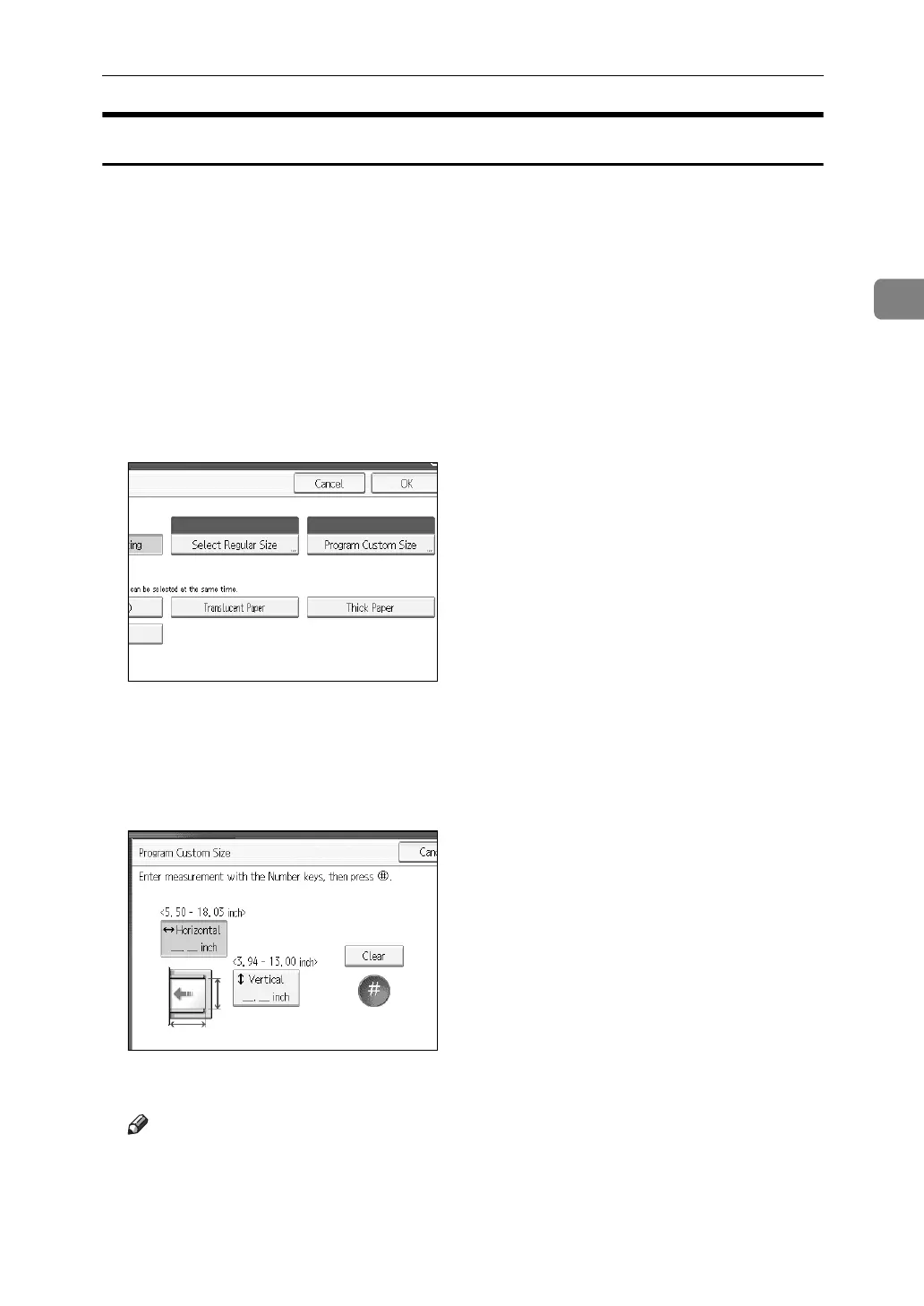
E Press [Program Custom Size].
F Enter the horizontal size of the original with the number keys, and then
press [q].
G Enter the vertical size of the original with the number keys, and then press
[q].
H Press [OK] twice.
Note
❒ If you make a mistake in step
F
or
G
, press [Clear] or the {Clear} key, and
then enter the value again.
❒ To register the custom size entered in
G
, press [Program] and then press [Ex-
it] in the confirmation screen.



 To Next Page