Document Server
182
4
Searching for a Stored Document
Following describes the procedure for searching a stored document from user
name or document name.
You can rearrange the currently chronologically ordered documents in any de-
sired order.
❖ To search by file name
Following describes the procedure for searching a stored document from the
document name.
❖ To search by user name
Following describes the procedure for searching a stored document from the
user name.
Note
❒ Installing Ridoc Desk Navigator enables search and reordering of stored doc-
uments from PC.
❒ For more information about Ridoc Desk Navigator, see Instruction Manual
and Help of Ridoc Desk Navigator.
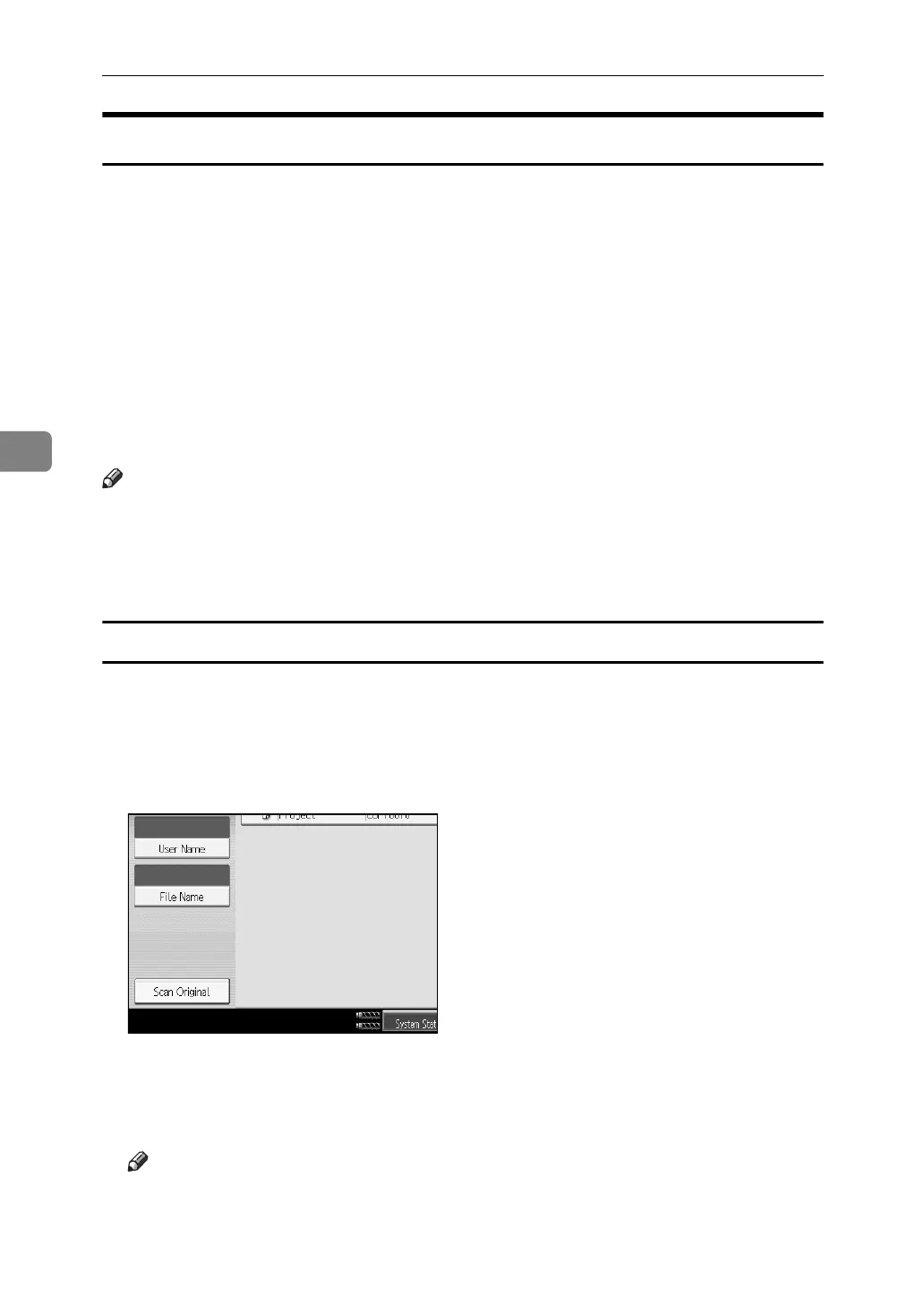
To search by file name
Following describes the procedure for searching a stored document from the
document name.
A Press the {Document Server} key.
B Press [File Name].
C Enter the document name to be searched and then press [OK].
A document name that matches completely from the starting character will
be searched and displayed on the document selection screen.
Note
❒ Pressing [Display All] displays ever stored document.



 To Next Page