Copying
112
2
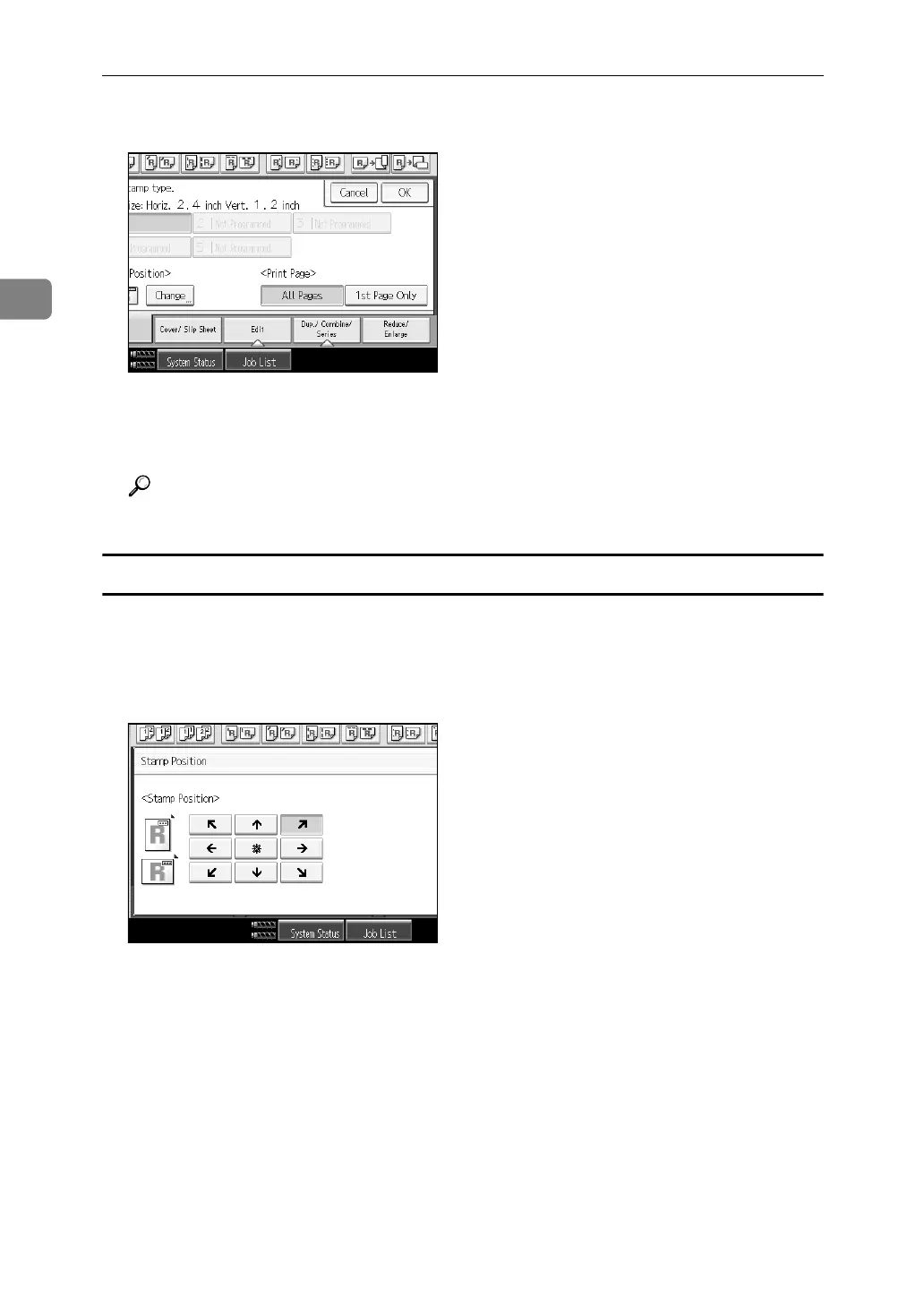
D Press [All Pages] or [1st Page Only] to select the print page.
E After you specify all desired settings, press [OK].
F Place the originals, and then press the {Start} key.
Reference
“Stamp”, General Settings Guide
Changing the user stamp position
Changes the stamp position.
A Press [Change] under Stamp Position.
B Select the desired position, and then press [OK].



 To Next Page