Troubleshooting When Using the Copy Function
26
2
If Connect Copy is Cancelled
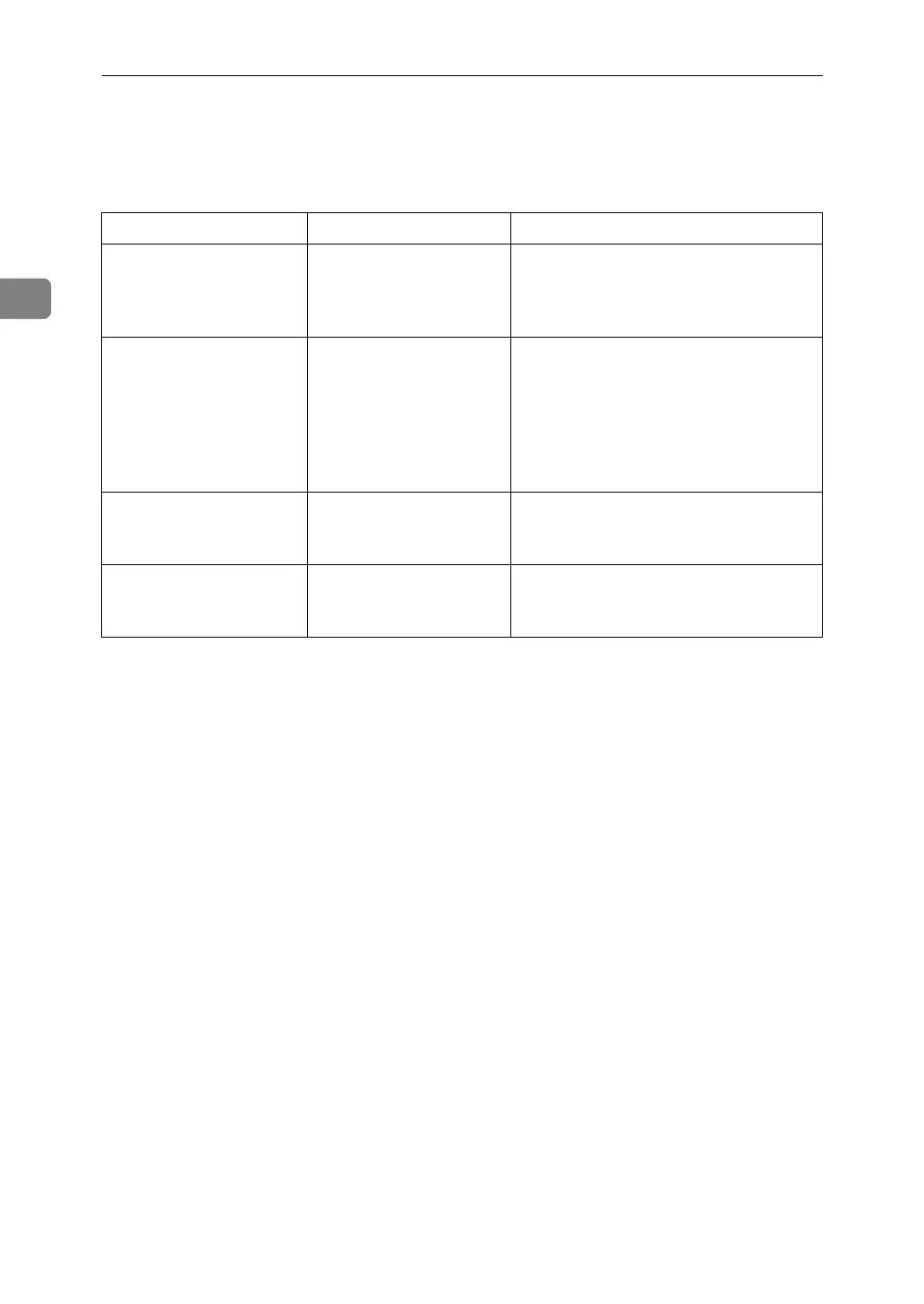
This section explains about causes and remedies when Connect Copy is cancelled.
Problem Cause Solution
The machine cancels
Connect Copy.
The main machine's
main power is off, or the
operation switch has
been pressed.
Turn on the sub-machine's main power
or operation switch, and then press
[Connect Copy].
The machine cancels
Connect Copy.
The sub-machine's main
power is off.
A message instructing you to check the
sub-machine appears on the display of
the main machine. Press [Cancel] to clear
Connect Copy. Turn on the sub-ma-
chine's main power, press [Connect
Copy] and then make your settings
again.
The machine cancels
Connect Copy.
The Weekly Timer set-
ting is coming into effect
on the main machine.
Turn on the main machine's operation
switch , and then press [Connect Copy].
An error message indi-
cates the main machine
has broken down.
The L is lit. Copying is not possible. Follow the in-
structions displayed.



 To Next Page