Using the Document Server
181
4
Checking the Details of a Stored Document
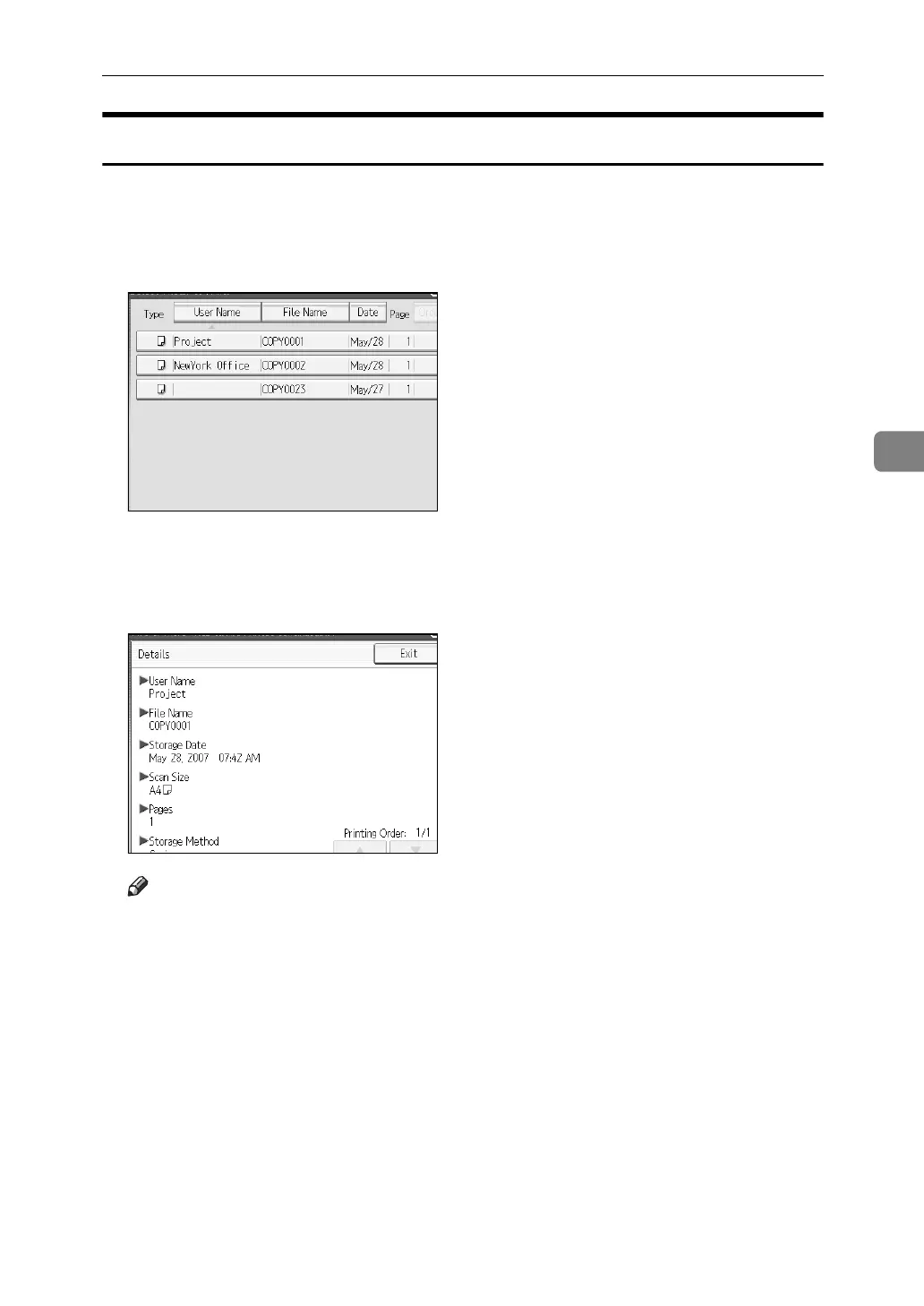
Following describes the procedure for displaying details of a stored document.
A Press the {Document Server} key.
B Select the document whose details are to be displayed.
When a password is set, enter it and then press [OK].
C Press [Details].
Details of the document will be displayed.
Note
❒ When you have selected two or more documents, you can view the infor-
mation of the documents in the order of [U][T].
❒ Pressing [Exit] restores the document selection screen.



 To Next Page