Copier Functions
113
2
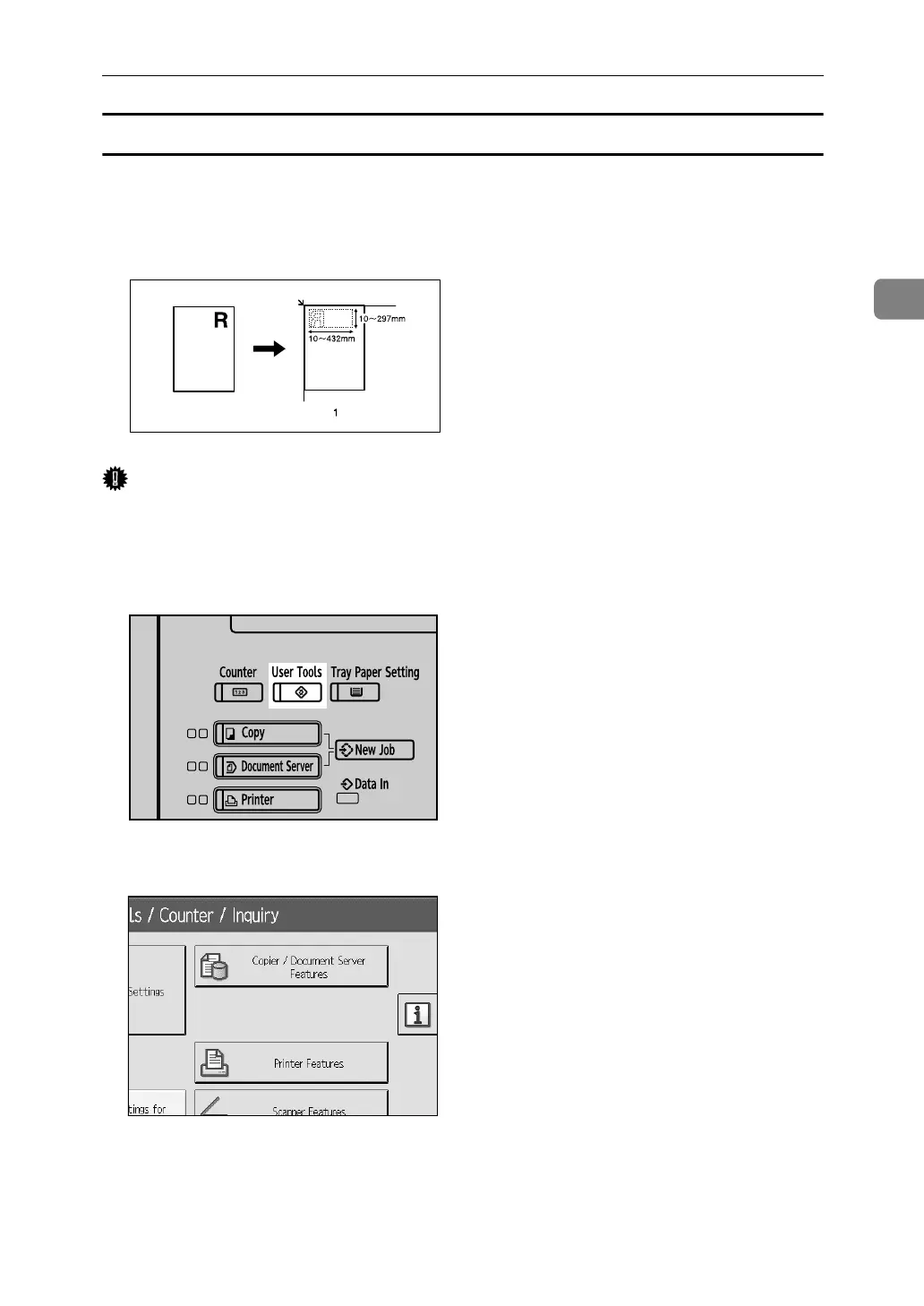
To program the user stamp
This function scans an image that is used as a user stamp.
The range of stamp images for readability is 10–297 mm (0.4"-11.7") high and 10–
432 mm (0.4"-17.0") wide. However, if the value exceeds the maximum value of
the area (5,000 mm
2
, 7.75 inch
2
), it is corrected within the range of the area automatically.
Important
❒ Up to four frequently used images can be stored in memory.
A Make sure that the machine is in copier mode.
B Press the {User Tools} key.
C Press [Copier / Document Server Features].
D Press [Stamp].
E Press [User Stamp].
F Press [Program / Delete Stamp].
ZGVX040E
APG053S



 To Next Page