89
3. Tray Paper Settings
This section describes various items of {Tray Paper Settings} available in this ma-
chine. If the specified paper size differs from the actual size of the paper loaded
in the paper tray, a misfeed might occur because the correct paper size was not
detected.
Tray Paper Settings
Changing Tray Paper Settings
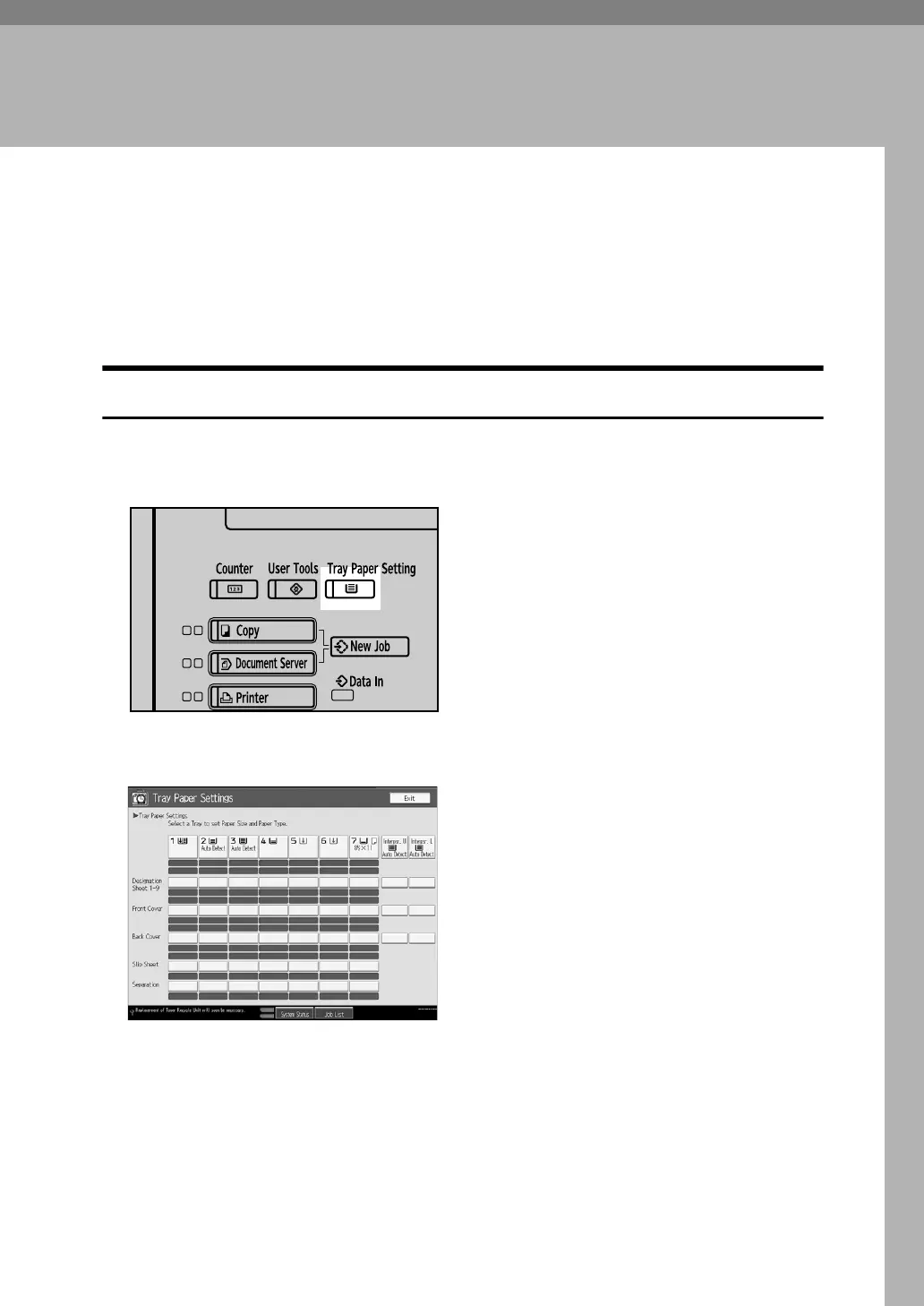
This section describes how to change the settings of Tray Paper Settings.
A Press the {Tray Paper Settings} key.
B Select the tray that you want to change the settings.
APD017S



 To Next Page