Preventing Information Leaks
82
3
Changing Passwords of Locked Print Files
This can be specified by the file creator (owner) or file administrator.
If the password has been forgotten, the file administrator change the password.
This can also be specified via Web Image Monitor.
For details see the Web Image Monitor Help.
A Press the {Printer}key.
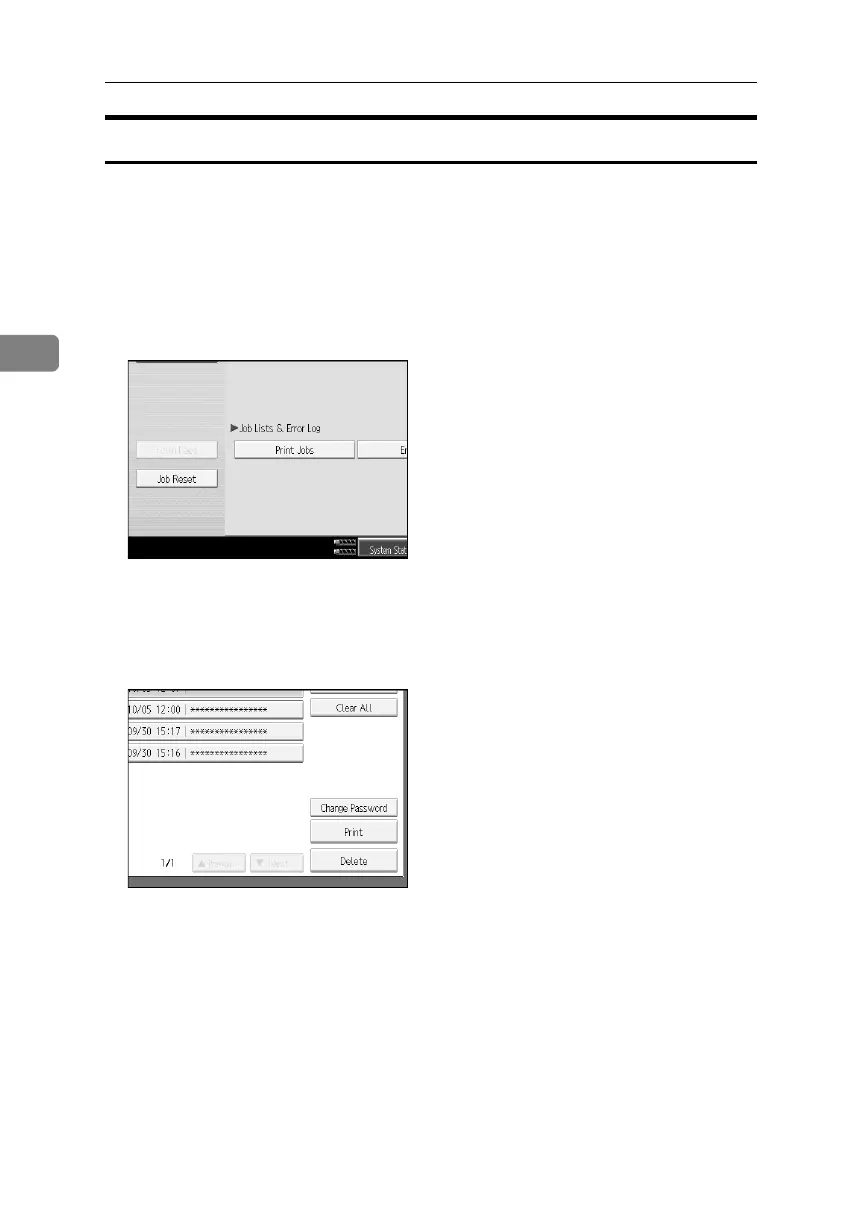
B Press [Print Jobs].
C Press [Locked Print Job List].
D Select the file.
E Press [Change Password].
BelliniC3-EN_Sec_F_FM_forPaper.book Page 82 Friday, December 16, 2005 9:16 AM



 To Next Page