Connect Copy
160
3
Copying Stored Documents Using Connect Print
You can print a document stored in the Document Server using the Connect
Print function.
Note
❒ The main machine is the one on which the document is stored.
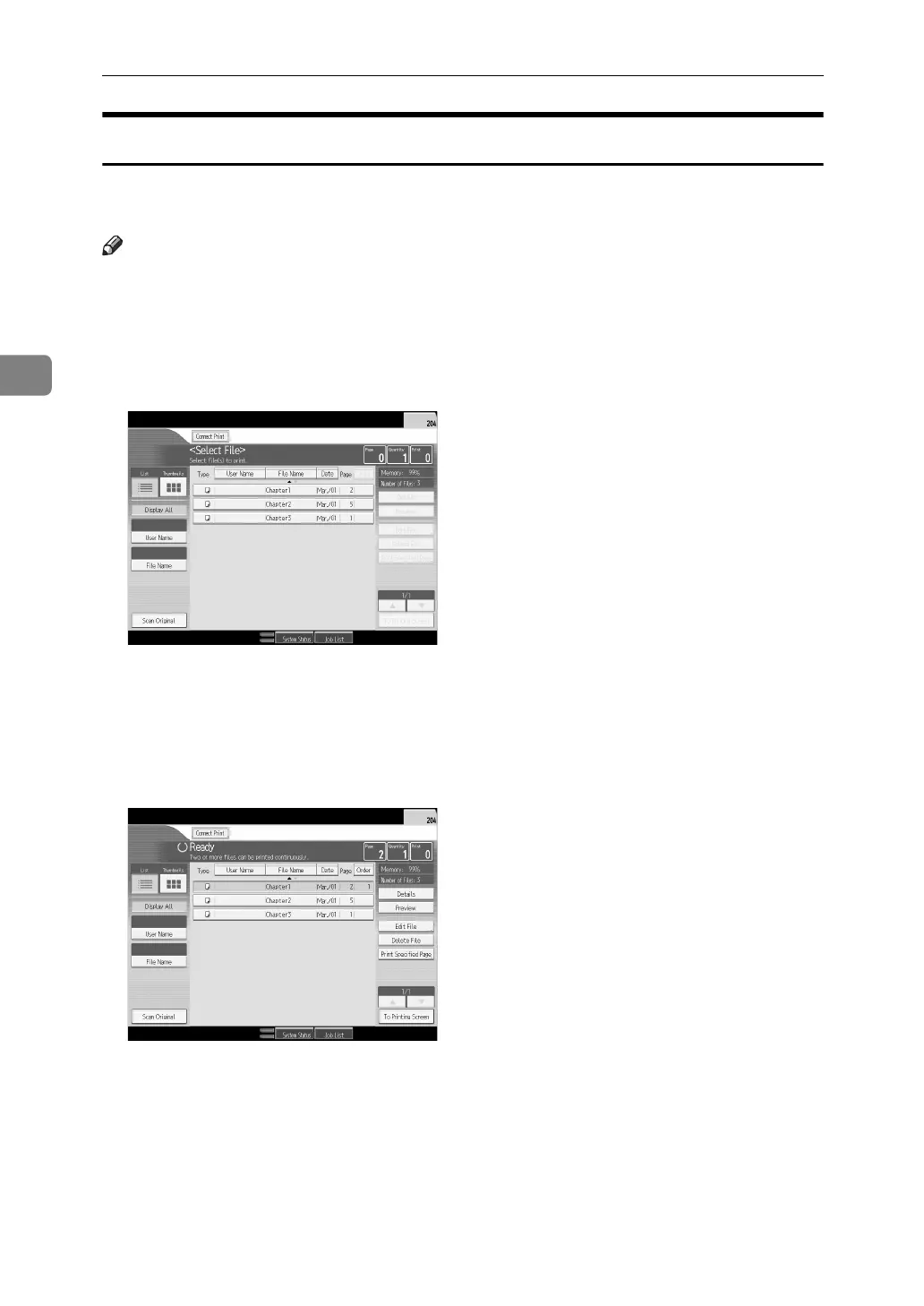
A Press the {Document Server} key.
B Select the document to be printed.
The selected document is highlighted.
C Repeat step if you want to select more documents.
The documents will be printed in the order that they have been selected.
D If you need to change the print settings, press [To Printing Screen].
If you do not need to change any settings, proceed to step
E
.
E Press [Connect Print].
The key is highlighted and the two machines are connected.
F Enter the required number of copies using the number keys.
The maximum copy quantity that can be set is 9999.
G Press the {Start} key.



 To Next Page