Copier Functions
95
2
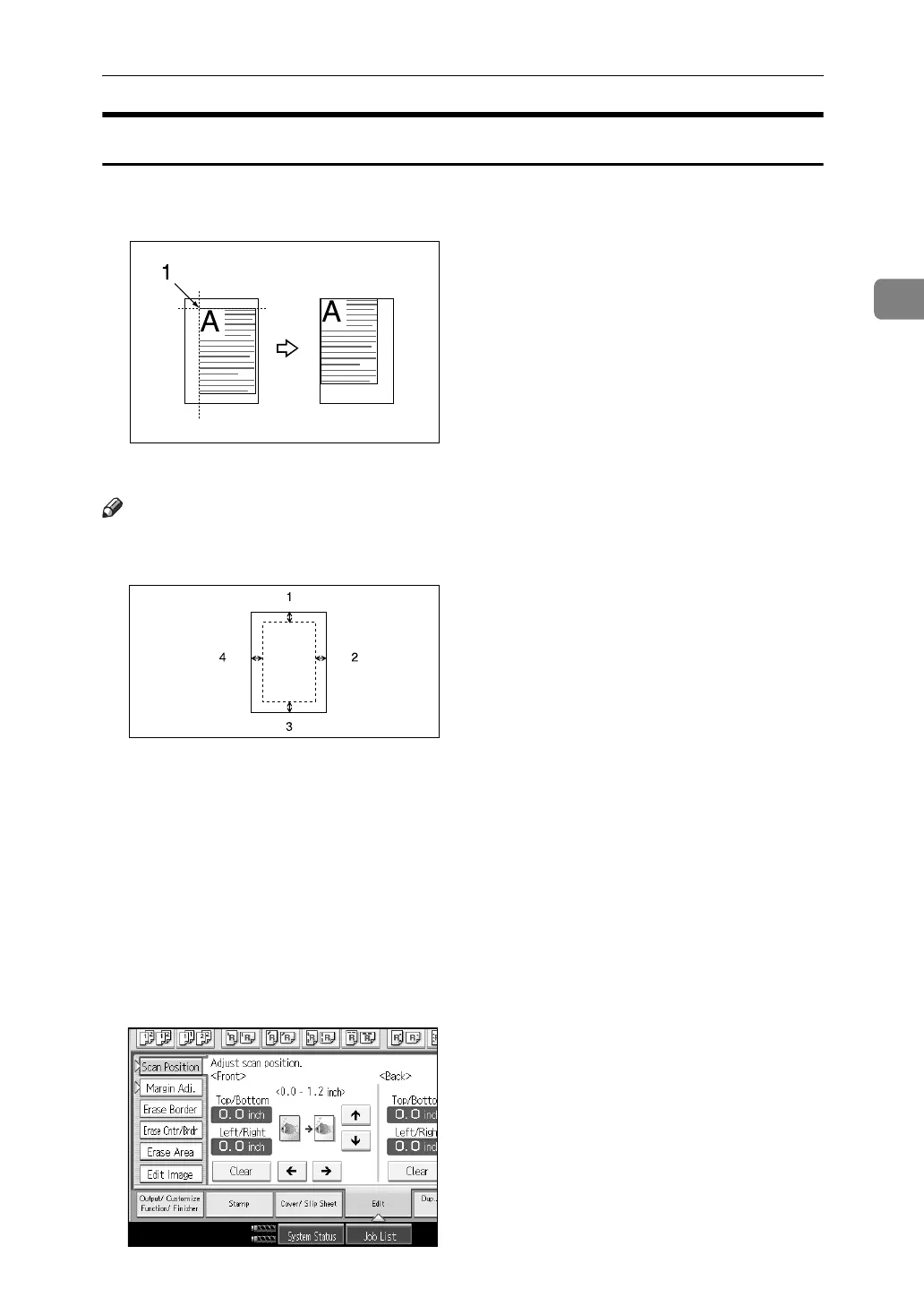
Scanning Position
You can move the scanning position of originals.
A Point from which the machine begins scanning
Note
❒ You can move the scanning position upward, downward, to left and to right
up to 30 mm (1.2") in 1 mm (0.1") steps.
A Top: 0 – 30 mm, 0" – 1.2"
B Right: 0 – 30 mm, 0" – 1.2"
C Bottom: 0 – 30 mm, 0" – 1.2"
D Left: 0 – 30 mm, 0" – 1.2"
A Press [Edit].
B Press [Scan Position].
C Set the scanning position for the front of the original. Press [↑] or [↓] to set
the top or bottom position. Press [←] or [→] to set the left or right position.



 To Next Page