Copier Functions
75
2
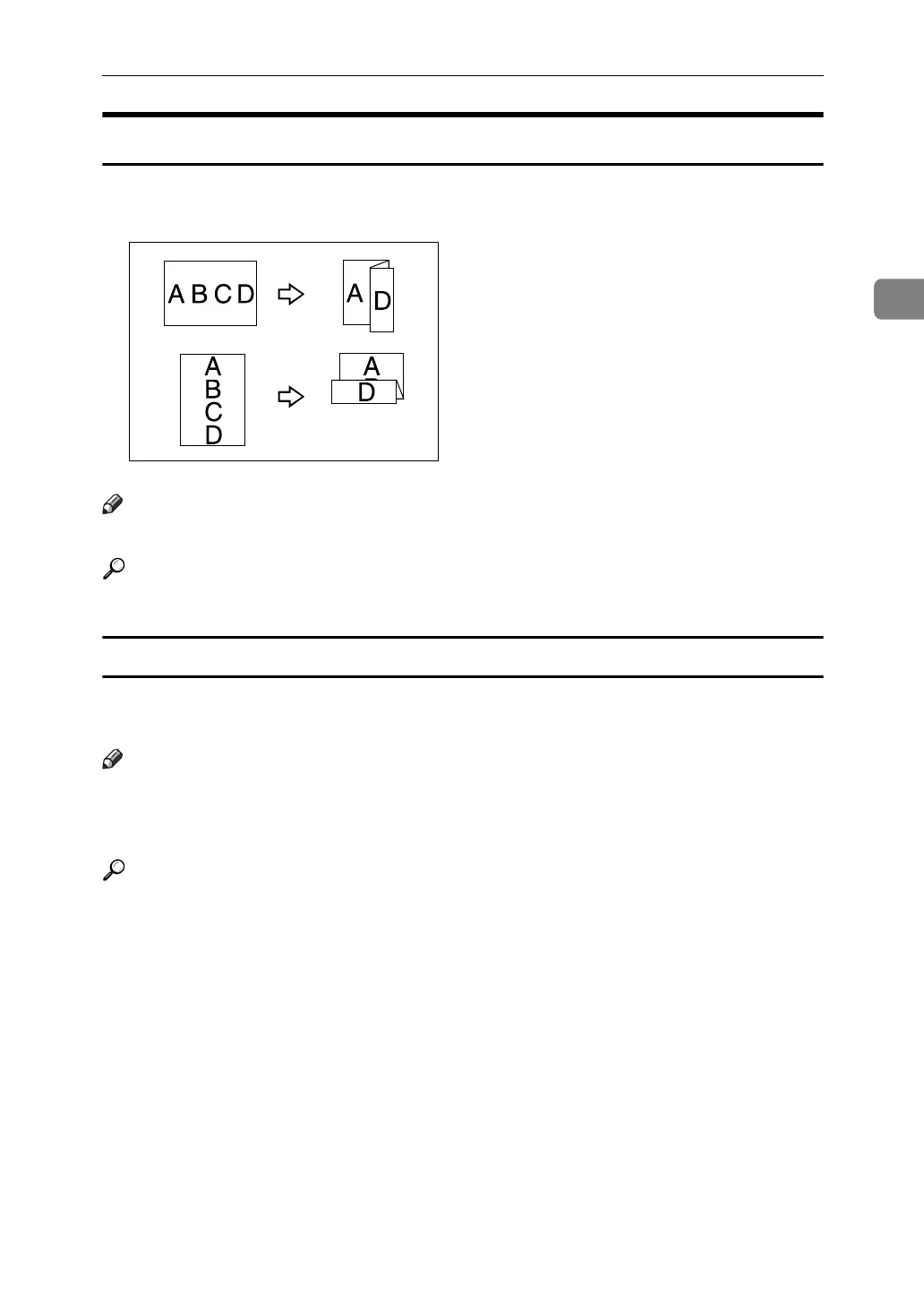
Z-fold
Makes two parallel folds, one of which faces in and the other facing out.
Note
❒ You cannot use the multi bypass tray with this function.
Reference
“System Settings”, General Settings Guide.
Using the Z-fold Support Tray
When using the Z-fold function together with the Staple function, attach the Z-
fold support tray to the upper tray or the shift tray of Finisher SR5000.
Note
❒ Remove the Z-fold support tray when outputting prints to the finisher's shift
tray without using the Z-fold function. If you leave the Z-fold support tray in
place, prints are not stacked properly.
Reference
“Removing Jammed Paper”, Troubleshooting
ACC010S



 To Next Page