Registering Addresses and Users for Scanner Functions
192
7
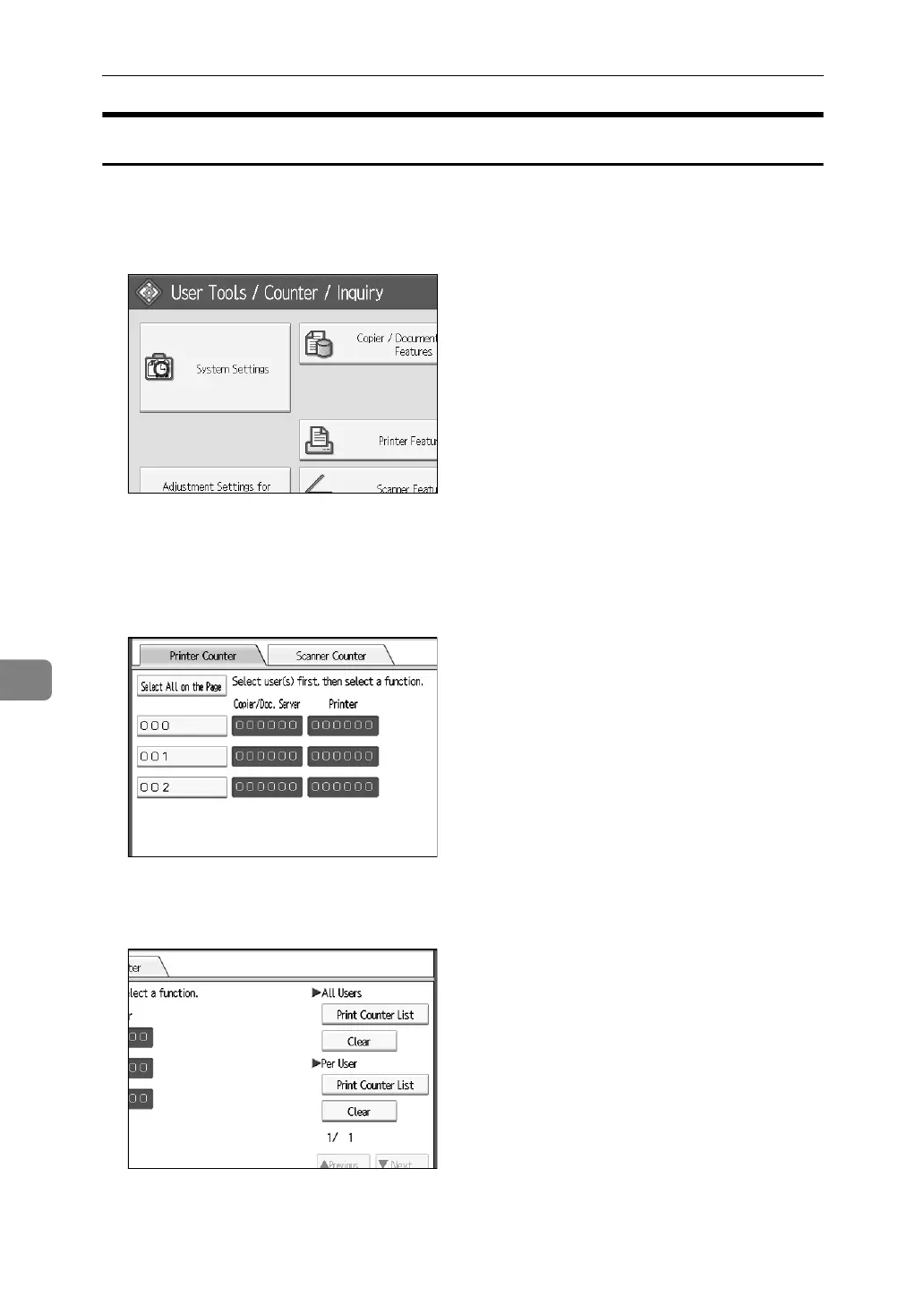
Printing the Counter for Each User
Following describes the procedure for printing the counter that counts on indi-
vidual user basis.
A Press [System Settings].
B Press [Administrator Tools].
C Press [Display/Clear/Print Counter per User].
D Select a user code from the left side of the display.
Press [Select All on the Page] to select all user codes on the page.
E Press [Print Counter List] under Per User.
Enter the user code, and then press { #} if the user code is registered.



 To Next Page