Printer Features
158
5
❖ PDF Configuration/Font Page
You can print the current configuration and installed PDF font list.
This menu can be selected only when the optional PostScript 3 unit is in-
stalled.
❖ Hex Dump
You can print in the Hex Dump mode.
Printing the configuration page
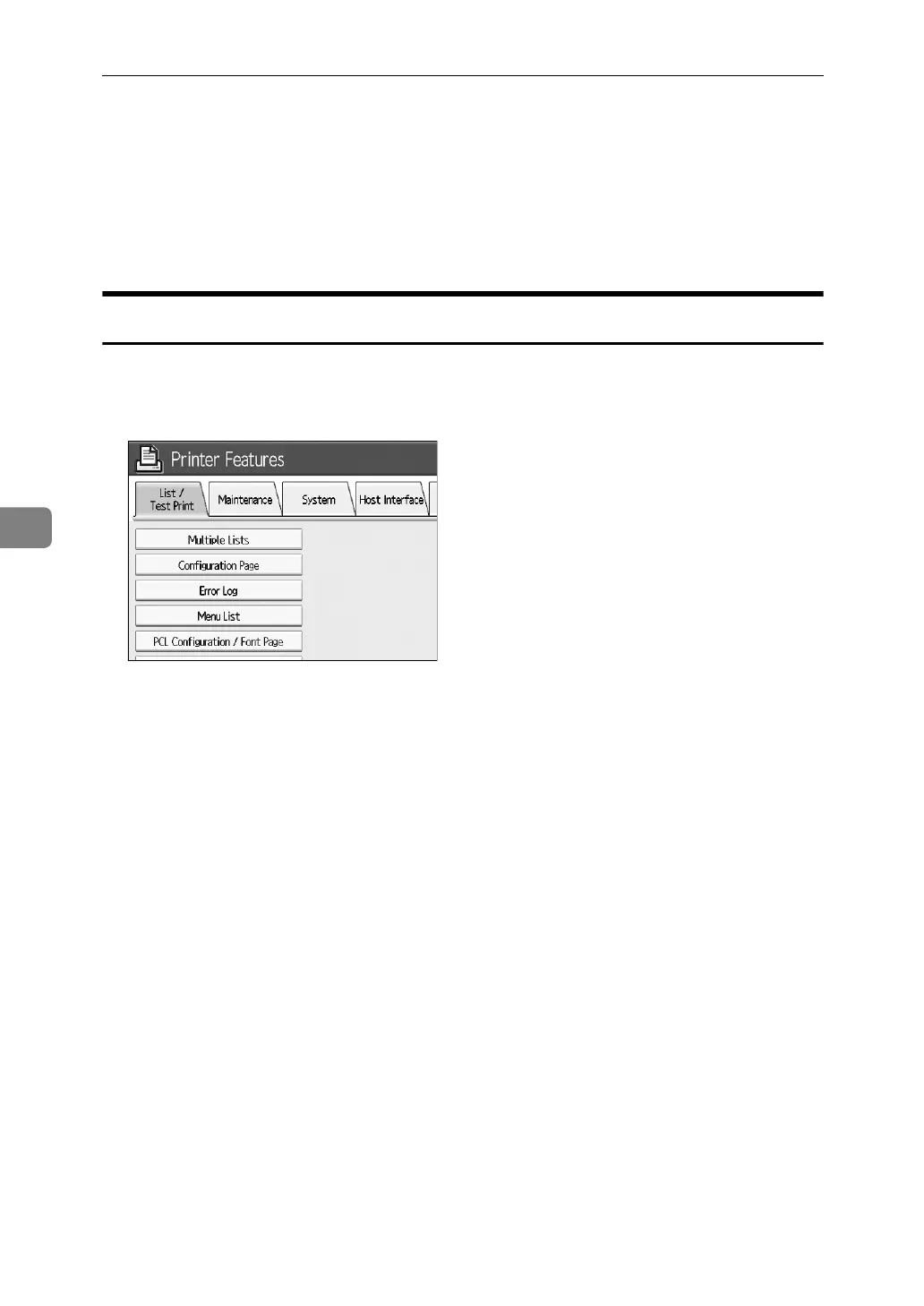
A Press [Printer Features].
B Press [Configuration Page]] on the [List / Test Print].
The configuration page is printed.
C Press the {User Tools} key.



 To Next Page