Copying
128
2
A Select the size of copy paper and the reproduction ratio.
B Press [Edit].
C Press [Edit Image].
D Press [Image Repeat].
E Press [OK].
F Place the originals, and then press the {Start} key.
Reference
“Edit”, General Settings Guide
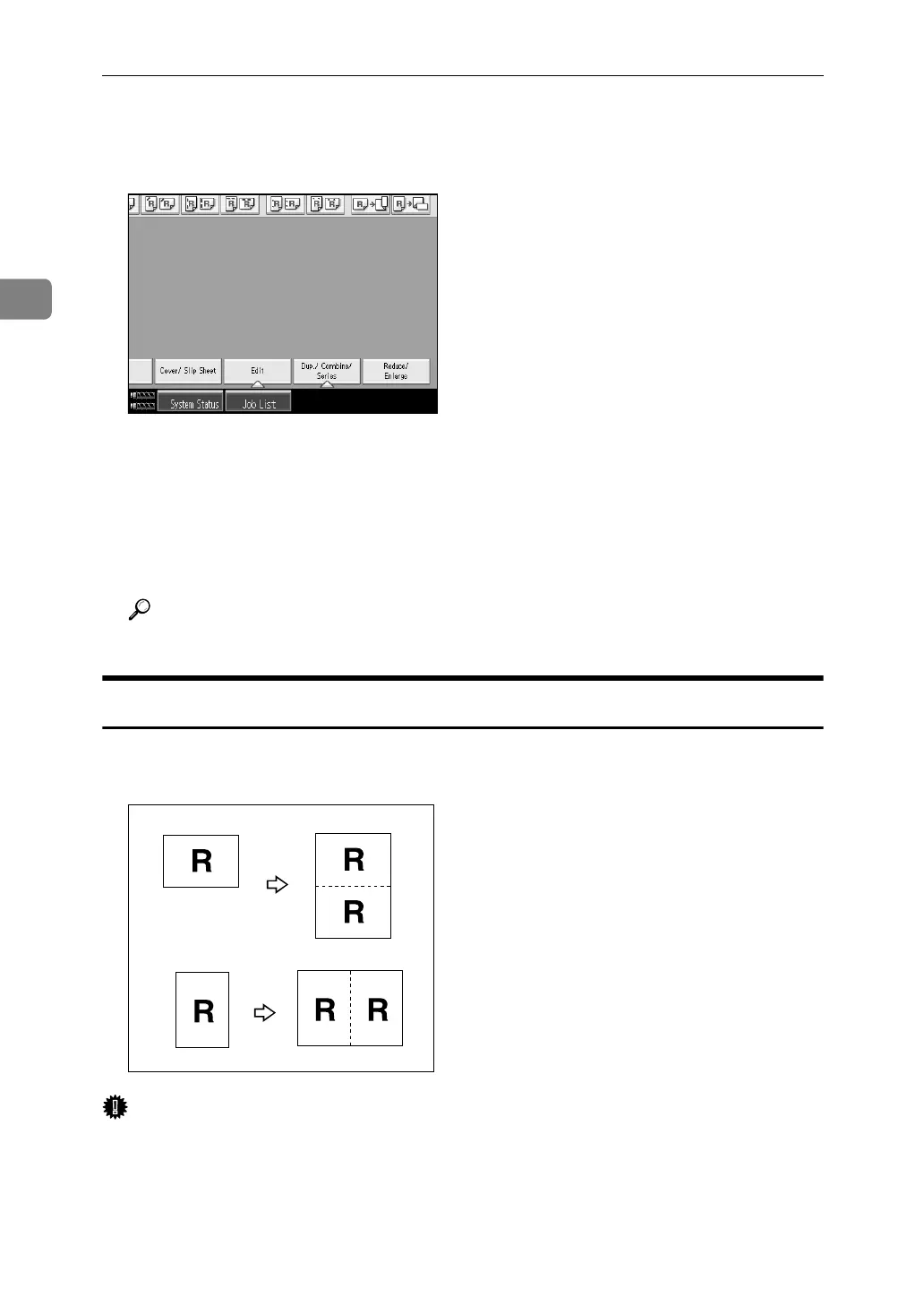
Double Copies
One original image is copied twice onto one sheet, as shown.
Important
❒ Originals with a size of A5L, B6 JISKL, 5
1
/
2
" × 8
1
/
2
"L cannot be detected
properly on the exposure glass. Be sure to select the copy paper manually or
place the originals in the ADF.
❒ The following table shows original and copy paper sizes (when copying at a
ratio of 100%).



 To Next Page