Copying
134
2
D Select the paper tray that contains the sheet paper to copy the originals.
E Place the originals, and then press the {Start} key.
Reference
“Tray Paper Settings”, General Settings Guide
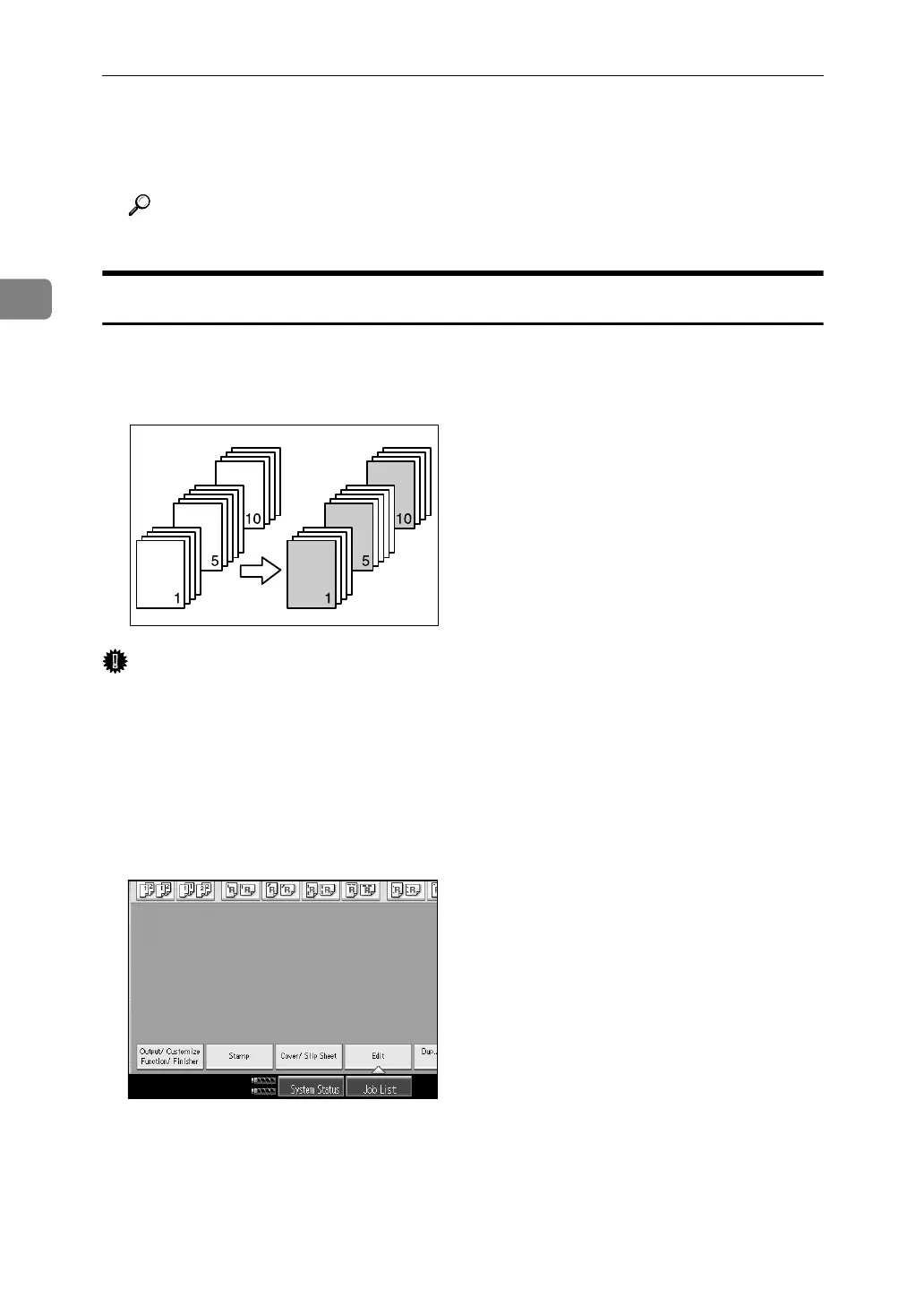
Designate
Use this function to have certain pages of your original copied onto slip sheets
or to insert a slip sheet for each page specified.
Important
❒ You can select any tray for slip sheets, except the copy paper trays.
❒ You cannot select the interposer as the copy paper.
A Set the tray you want to use for slip sheets.
The paper for slip sheets should be of the same size as the copy paper and also
be set in the same direction.
B Press [Cover/ Slip Sheet].
C Press [Designate / Chapter].
D Select [Designate: Copy] or [Designate: Blank].
E Press the key to select the chapter number.
To select pages 21 to 40 (chapter), press [21-40].



 To Next Page