Authentication and its Application
66
2
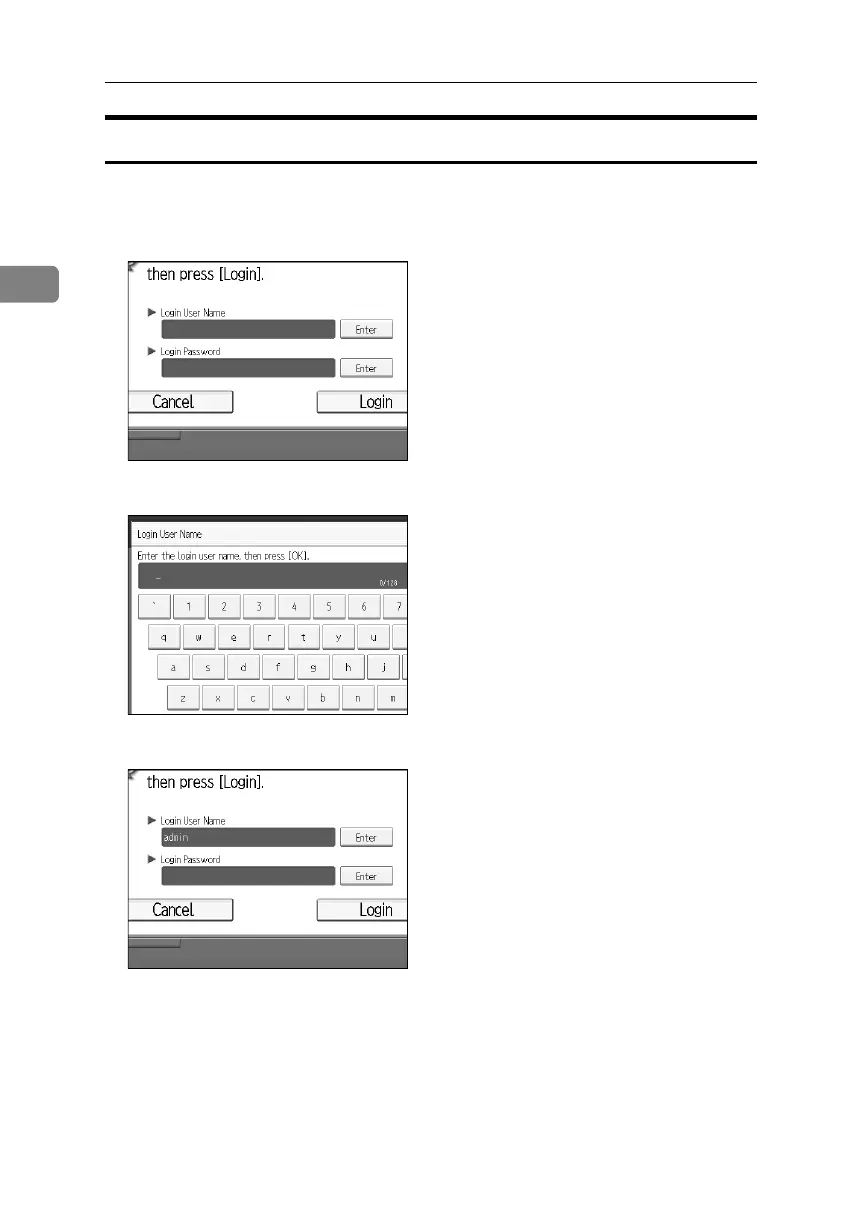
Login (Using the Control Panel)
Follow the procedure below to log on when Basic Authentication, Windows Au-
thentication, LDAP Authentication, or Integration Server Authentication is set.
A Press [Enter] for [Login User Name].
B Enter a login user name, and then press [OK].
C Press [Enter] for [Login Password].
BelliniC3-EN_Sec_F_FM_forPaper.book Page 66 Friday, December 16, 2005 9:16 AM



 To Next Page