Connecting to the Interfaces
9
1
Connecting with the USB Interface
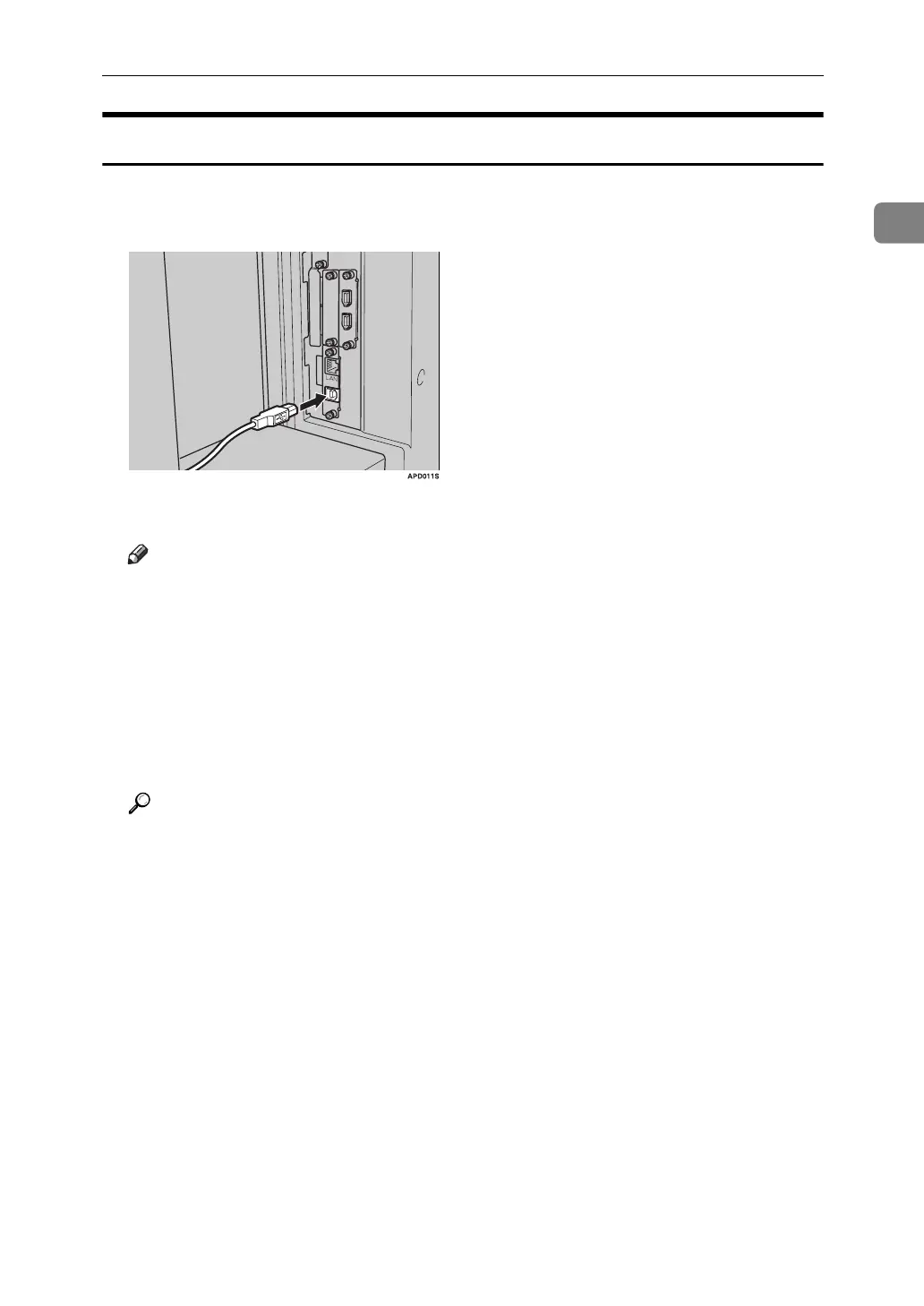
Make the connection with the USB 2.0 interface.
A Connect the USB 2.0 interface cable to the USB2.0 port.
B Connect the other end to the USB port on the host computer.
Note
❒ Purchase a USB cable separately according to a personal computer in use.
❒ The USB 2.0 interface board is supported by Windows Me / 2000 / XP,
Windows Server 2003, Mac OS X v10.3.3 or higher.
• For Windows Me:
Make sure to install “USB Printing Support". If USB 2.0 is used with
Windows Me, only a speed equal to that of USB 1.1 is possible.
❒ For details about installing the printer driver, see "Preparing the Machine"
Printer Reference
Reference
"Preparing the Machine" Printer Reference



 To Next Page