Copier Functions
105
2
Outside Erase
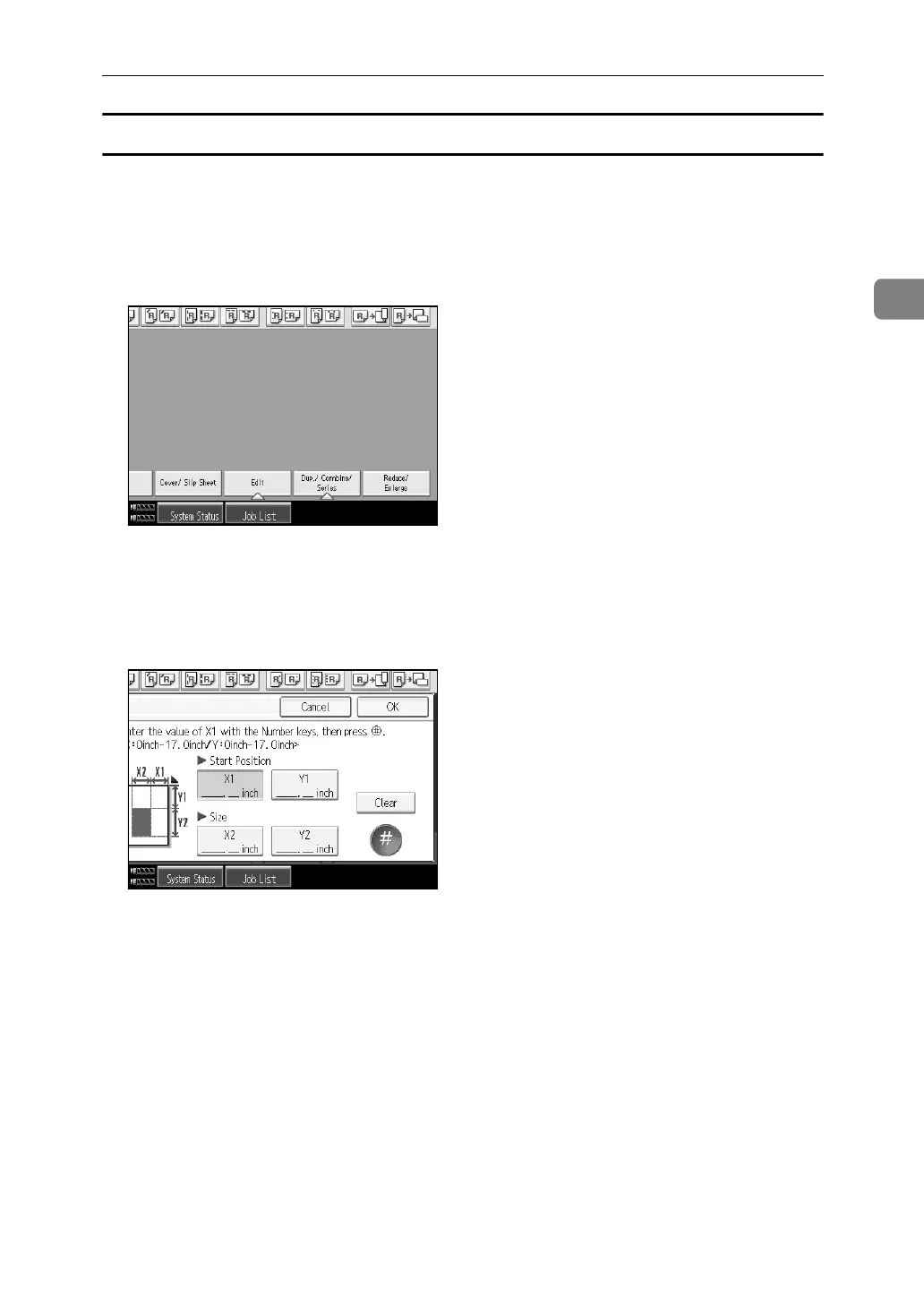
A Specify the point where the machine starts scanning (X1, Y1) and where it
stops scanning (X2, Y2).
You can input lengths of 0 – 432 mm, 0 – 17".
B Press [Edit].
C Press [Erase Area].
D Press [Erase Outside].
E Enter the value of [X1] with the number keys, and then press [q].
F Enter the value of [Y1] with the number keys, and then press [q].
G Enter the value of [X2] with the number keys, and then press [q].
H Enter the value of [Y2] with the number keys, and then press [q].
If you select to erase the image on the back of the original, press [2 Sided Set-
ting] and [Back].
Erasing the image on the back is valid when you copy 2-Sided originals.
I Press [OK] twice.
J Place the originals, and then press the {Start} key.



 To Next Page