Preventing Information Leaks
92
3
Assigning the User and the Access Permission for the User’s
Stored Files
This can be specified by the file creator (owner) or user administrator.
Specify the users and their access permission to files stored by a particular user.
Only those users granted access permission can access stored files.
This makes the management of access permission easier than it is when permis-
sion is specified for each stored file.
Preparation
For details about logging on and logging off with administrator authentica-
tion, see p.24 “Logging on Using Administrator Authentication”, p.26 “Log-
ging off Using Administrator Authentication”.
Important
❒ If files become inaccessible, be sure to enable the user administrator, and then
reset the access permission for the files in question.
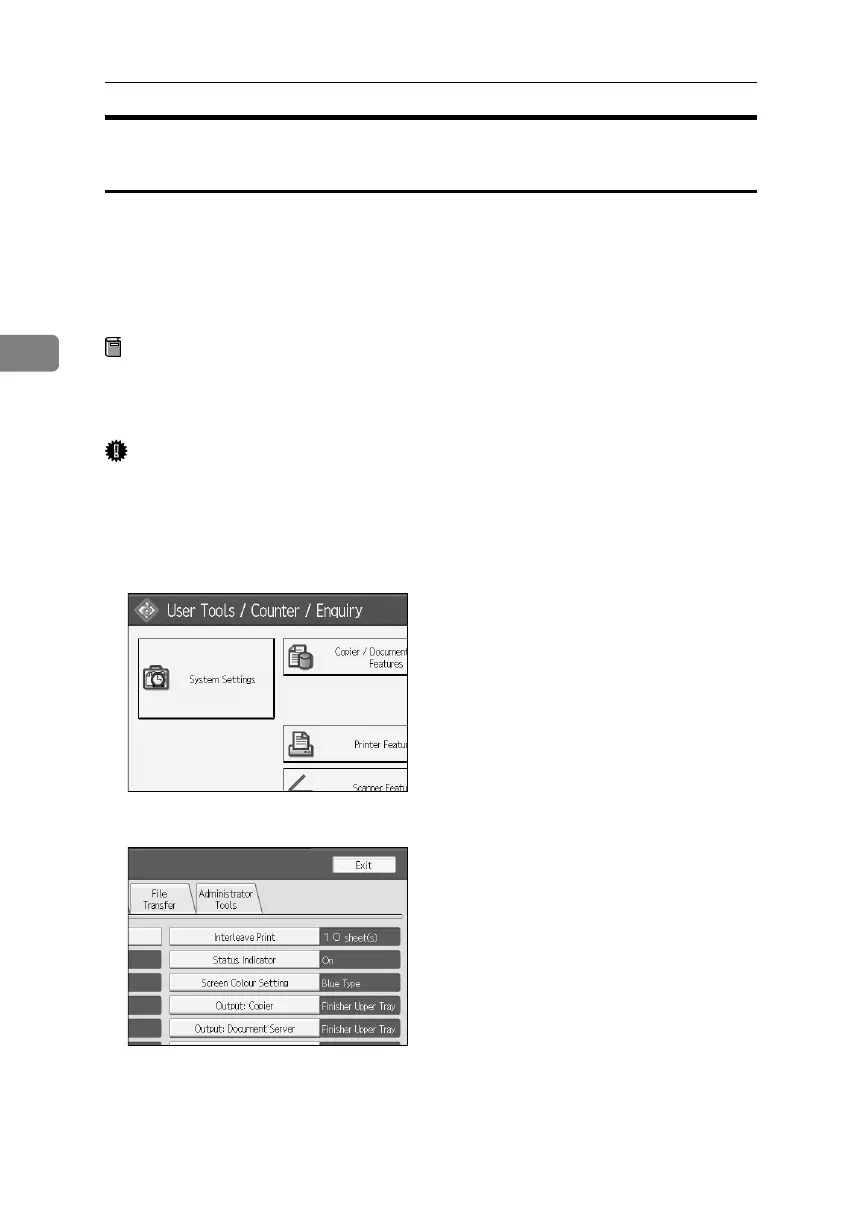
A Press the {User Tools} key.
B Press [System Settings].
C Press [Administrator Tools].
BelliniC3-EN_Sec_F_FM_forPaper.book Page 92 Friday, December 16, 2005 9:16 AM



 To Next Page