Copying
106
2
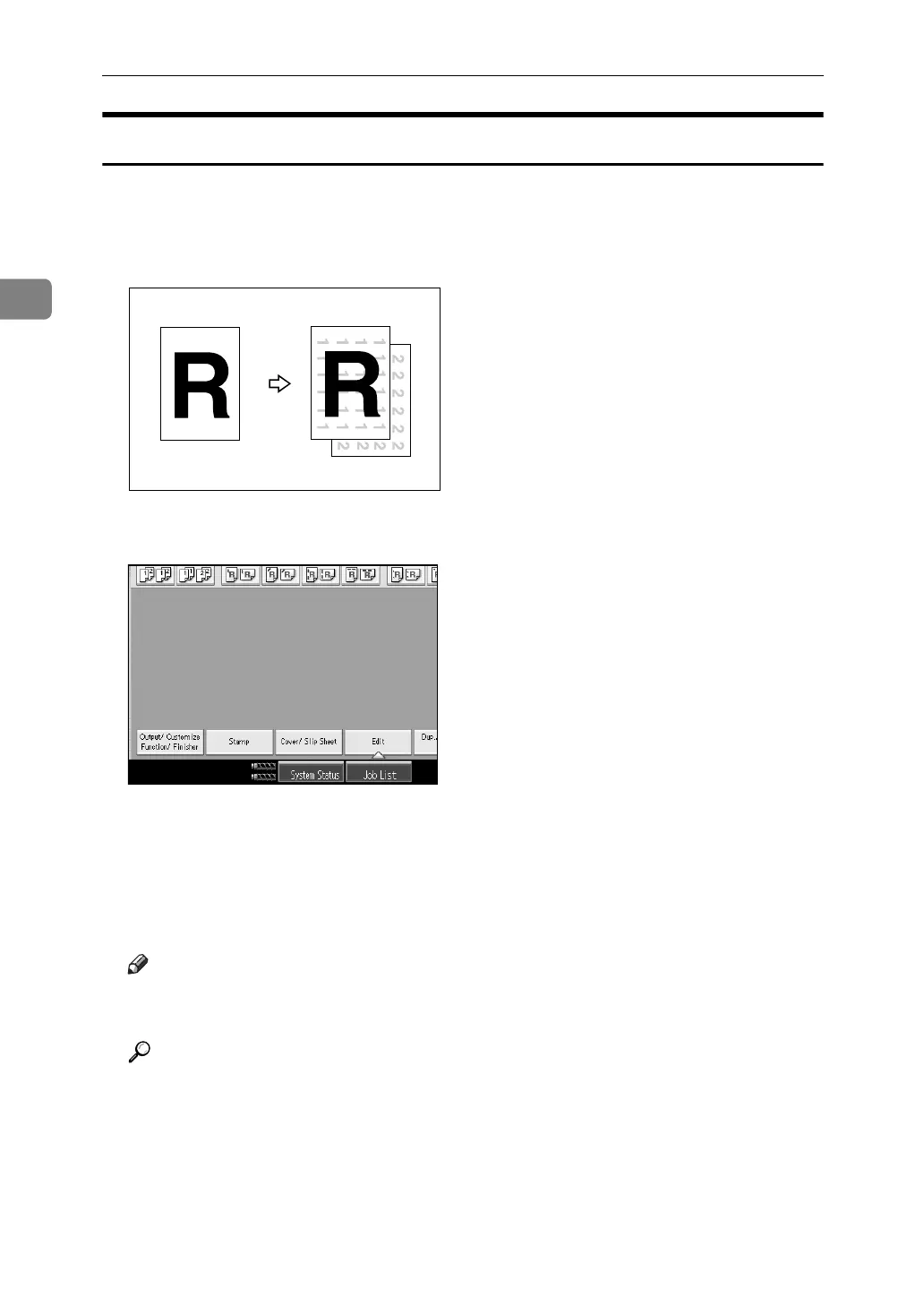
Background Numbering
Use this function to have numbers printed on the background of copies. If this
function is used in conjunction with Sort, same numbers are printed on a depart-
ment basis, helping you to keep track of confidential documents.
A Press [Stamp].
B Press [Backgrnd No.].
C Enter the number to start counting from with the number keys, and then
press the {q} key.
D Place the originals, and then press the {Start} key.
Note
❒ To change the value entered in step
C
, press the [Clear] or the {Clear} key
to set a new value.
Reference
“Stamp”, General Settings Guide
GCSTMP2E



 To Next Page