241
9. Appendix
Adjustment Settings for Operators
Changing the Adjustment Settings for Operators
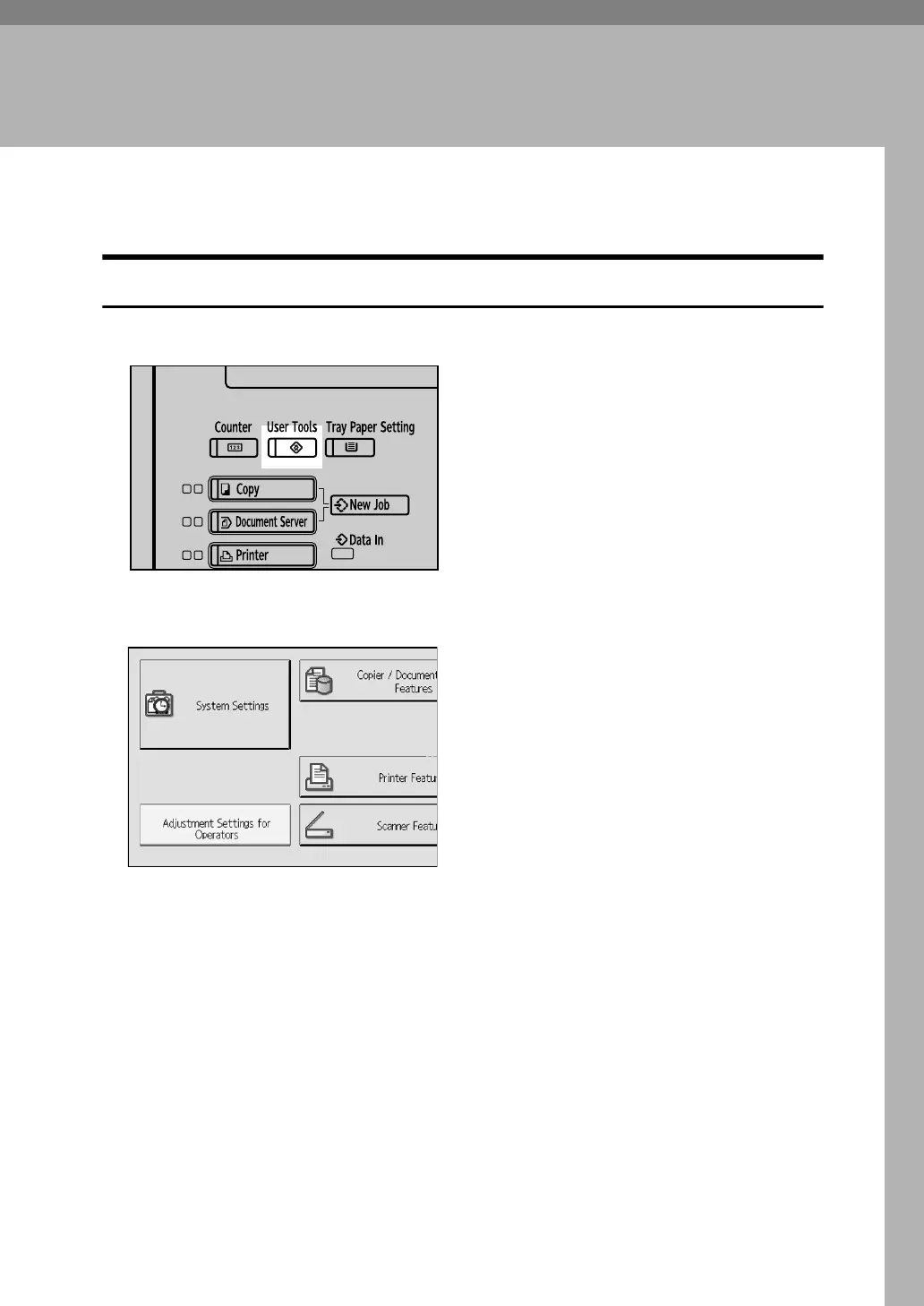
A Press the {User Tools} key.
B Press [Adjustment Settings for Operators].
C Select the item that you want to change the value.
D Specify the setting value.
To select the setting value, press the value on the display.
To input the value, use the number keys.
E Press {enter}.
F Press [Exit] twice.
APD014S



 To Next Page