Job List
41
2
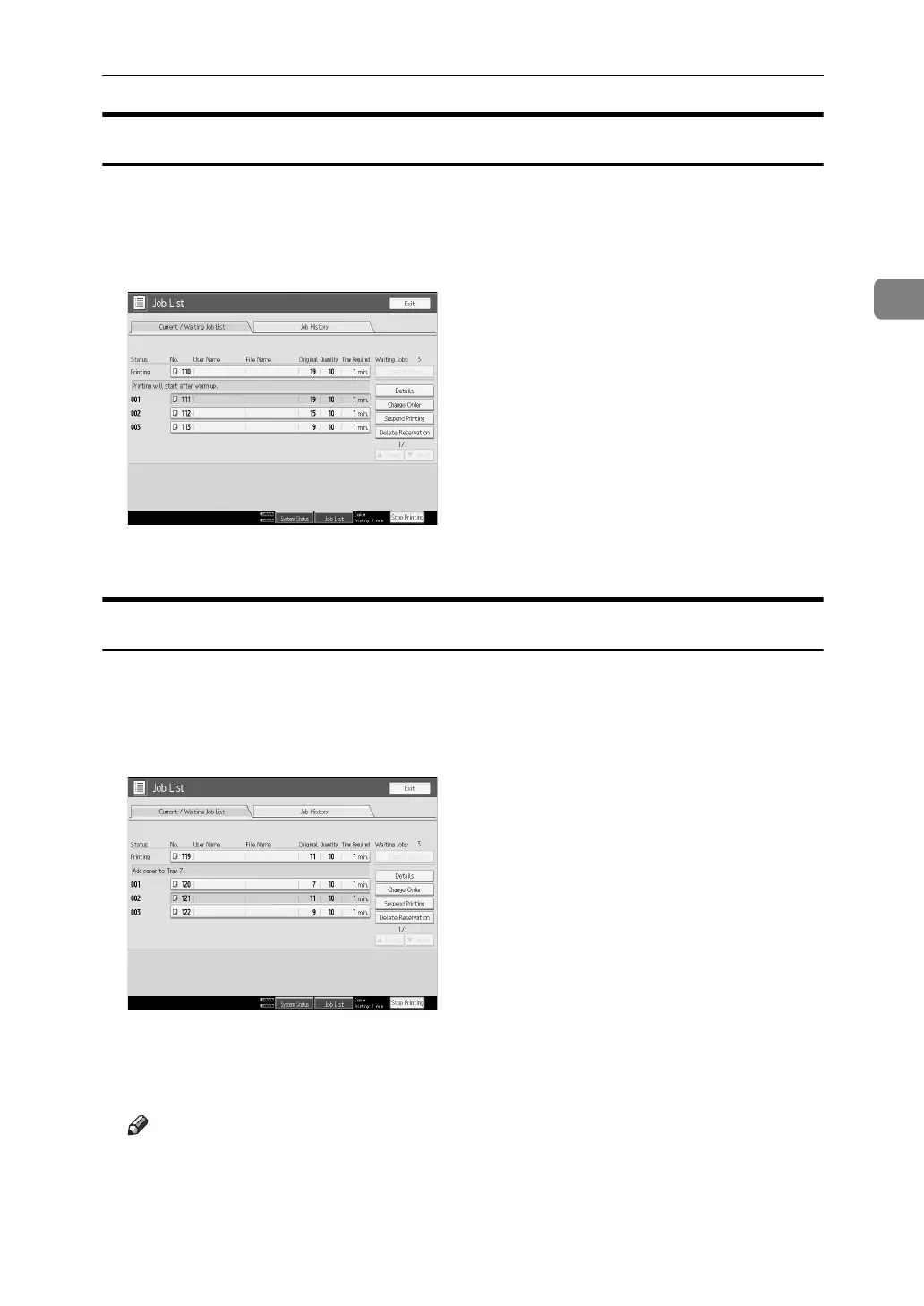
Holding print jobs
The machine holds jobs that are queued and currently printing.
A Press [Job List].
B Select the job(s) to hold.
C Press [Suspend Printing].
Deleting jobs
You can delete job that is queued or currently printing.
A Press [Job List].
B Select the job you want to delete.
C Press [Delete Reservation].
D Press [OK].
Note
❒ To delete multiple print jobs, select them in step
B
.



 To Next Page