Appendix
192
8
User Settings
If you have specified administrator authentication, the available functions and
settings depend on the menu protect setting.
The following settings can be specified by someone who is not an administrator.
❍ =You can view and change the setting.
U =You can view the setting.
- =You cannot view or specify the setting.
Note
❒ Settings that are not in the list can only be viewed, regardless of the menu pro-
tect level setting.
Copier / Document Server Features
The default for [Menu Protect] is [Level 2].
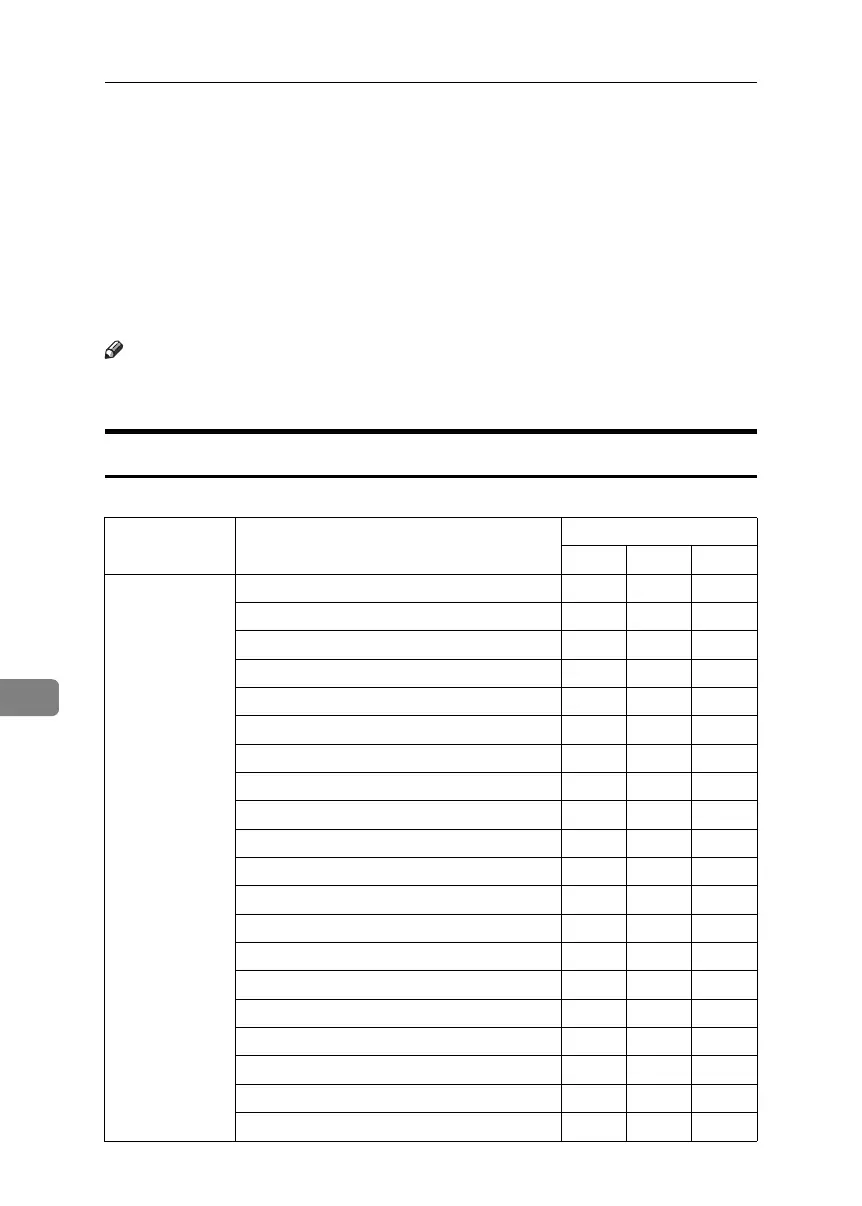
Tab Names Settings Menu Protect
Off Level 1 Level 2
General Features Auto Image Density Priority ❍❍U
Original Orientation in Duplex Mode ❍❍U
Copy Orientation Duplex Mode ❍❍U
Reservation Screen ❍❍U
Auto-off Timer ❍❍U
Max. Copy Quantity ❍❍U
Original Counter Reset Key ❍❍U
Text ❍❍U
Text/Photo ❍❍U
Photo ❍❍U
Pale ❍❍U
Generation Copy ❍❍U
Dark Background ❍❍U
Panel features Default ❍❍U
Image Adjustment Priority ❍❍U
Original Tray Display ❍❍U
Special Original Display Defaults ❍❍U
Tone: Original Counter Display ❍❍U
Customize function:Copier ❍❍U
Customize function:Document Server Storage ❍❍U
BelliniC3-EN_Sec_F_FM_forPaper.book Page 192 Friday, December 16, 2005 9:16 AM



 To Next Page