235
8. Other User Tools
Initial settings allow you switch the language as well as checking the number of
printed papers by displaying the counter.
Changing the Display Language
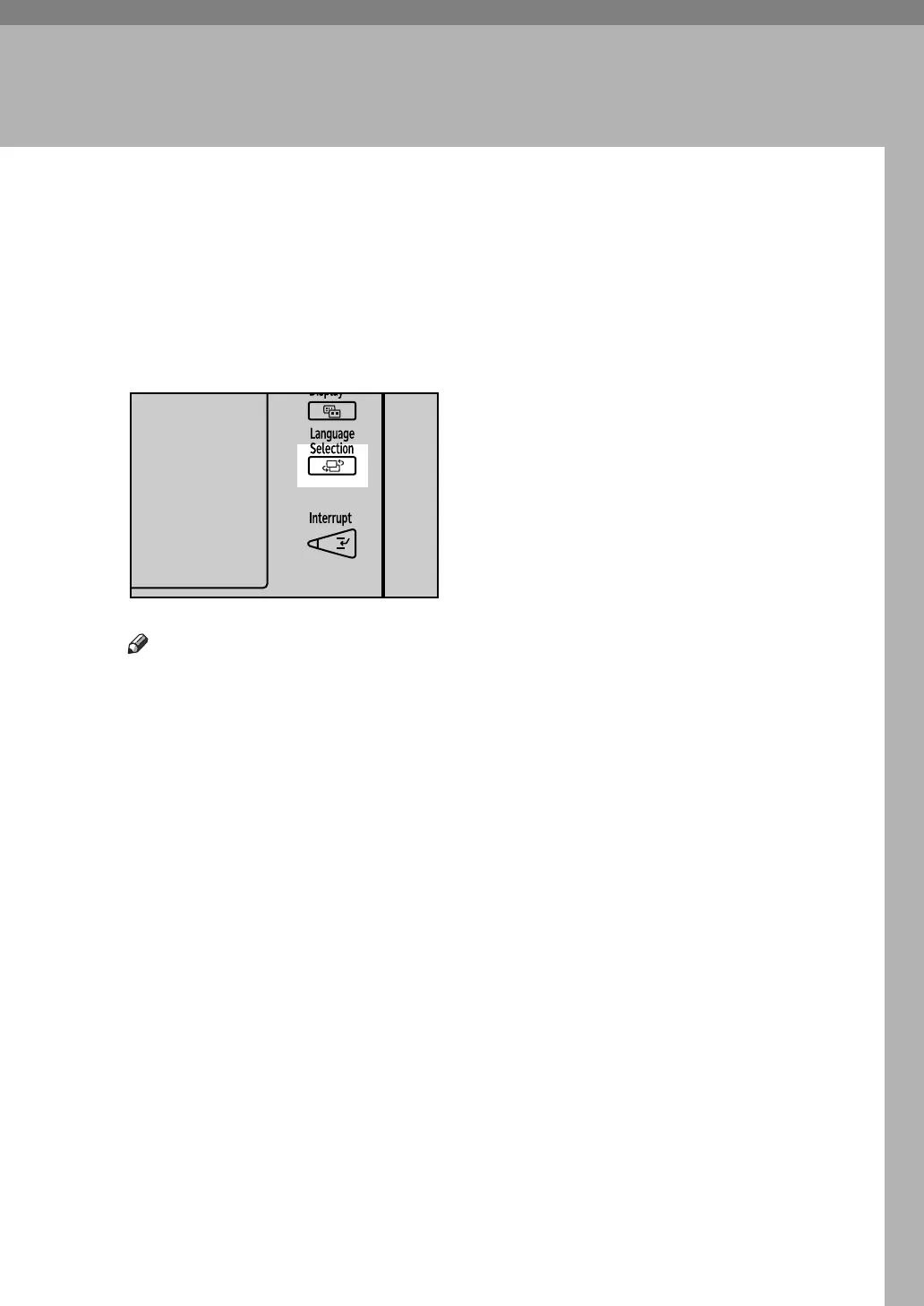
You can change the language used on the display. English is set as default.
A Press the {Language Selection} key.
Note
❒ If you want to return the display language to “English”, repeat the step
above.
APD015S



 To Next Page