Copying
66
2
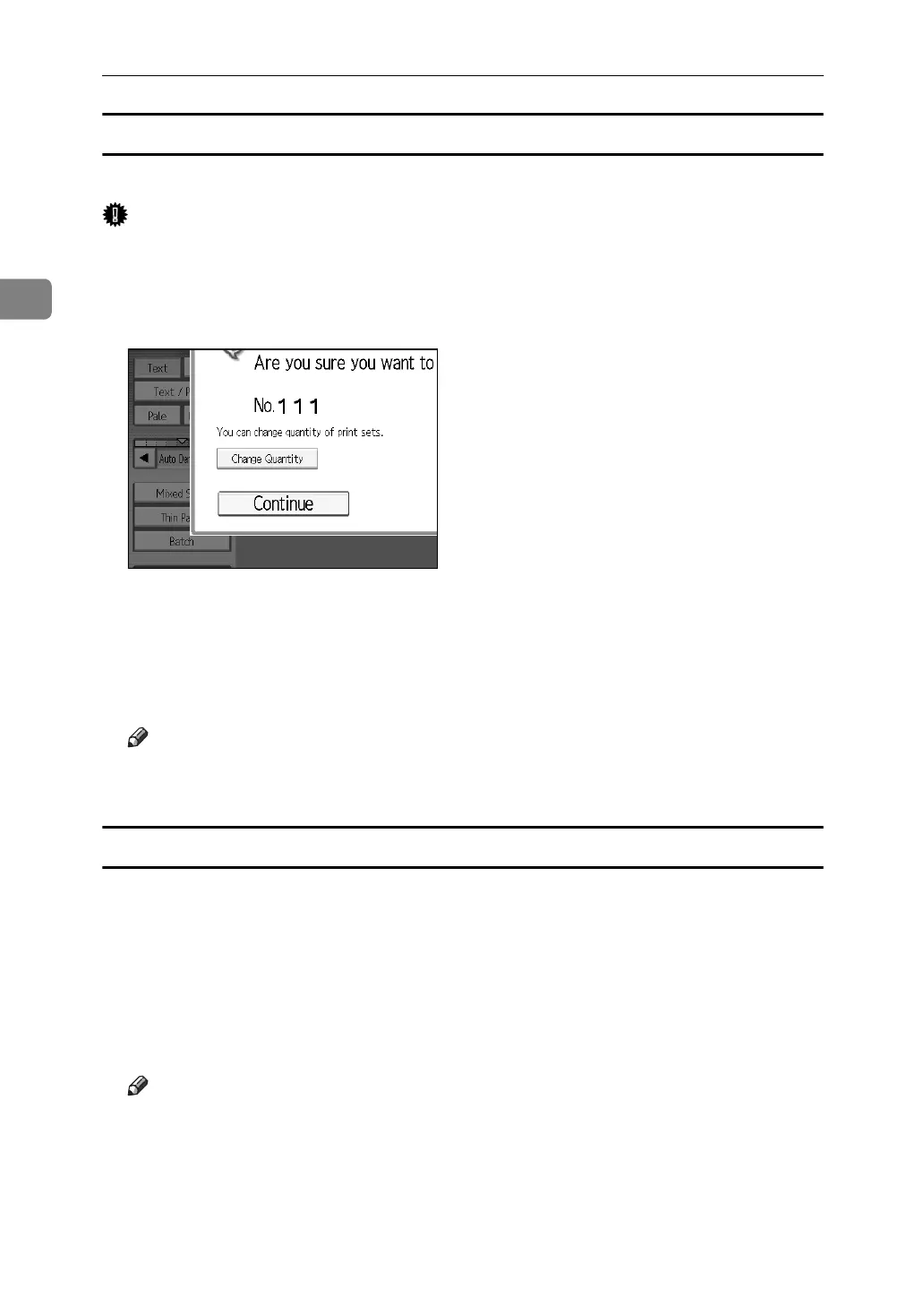
Changing the Number of Sets
You can change the number of copy sets during copying.
Important
❒ This function can be used only when the Sort function is turned on.
A While “Copying...” is displayed, press the {Stop} key.
B Press [Change Quantity].
C Enter the number of copy sets with the number keys, and then press the
{q} key.
D Press [Continue].
Copying starts again.
Note
❒ The range of print copies enterable in step
C
depends on when the {Stop}
key is pressed.
When memory is full
If the amount of data of the scanned originals exceeds the capacity of memory,
scanning is interrupted.
A Press the {Start} key.
All scanned pages are copied, and data stored in memory are cleared.
B Remove the copies, and then continue copying following the instructions
on the display.
Note
❒ The number of pages that can be stored in memory is about 2000 pages of
A4 size originals. It depends on the type of originals or memory settings.
❒ In Sort mode, you can complete scanning and copying by copying the
scanned pages stored in memory until it becomes full, and then scanning
and copying the remained originals.



 To Next Page