Copier Functions
67
2
Reference
“Input/Output”, General Settings Guide
Shift tray off in sort/stack
A Press [Output/ Customize Function/ Finisher].
B Make sure [Output/ Cstmz.] is selected, and then press [Sort/ Stack Shift Tray Off].
C Place originals, and then press the {Start} key.
Reference
“Input/Output”, General Settings Guide
Separation
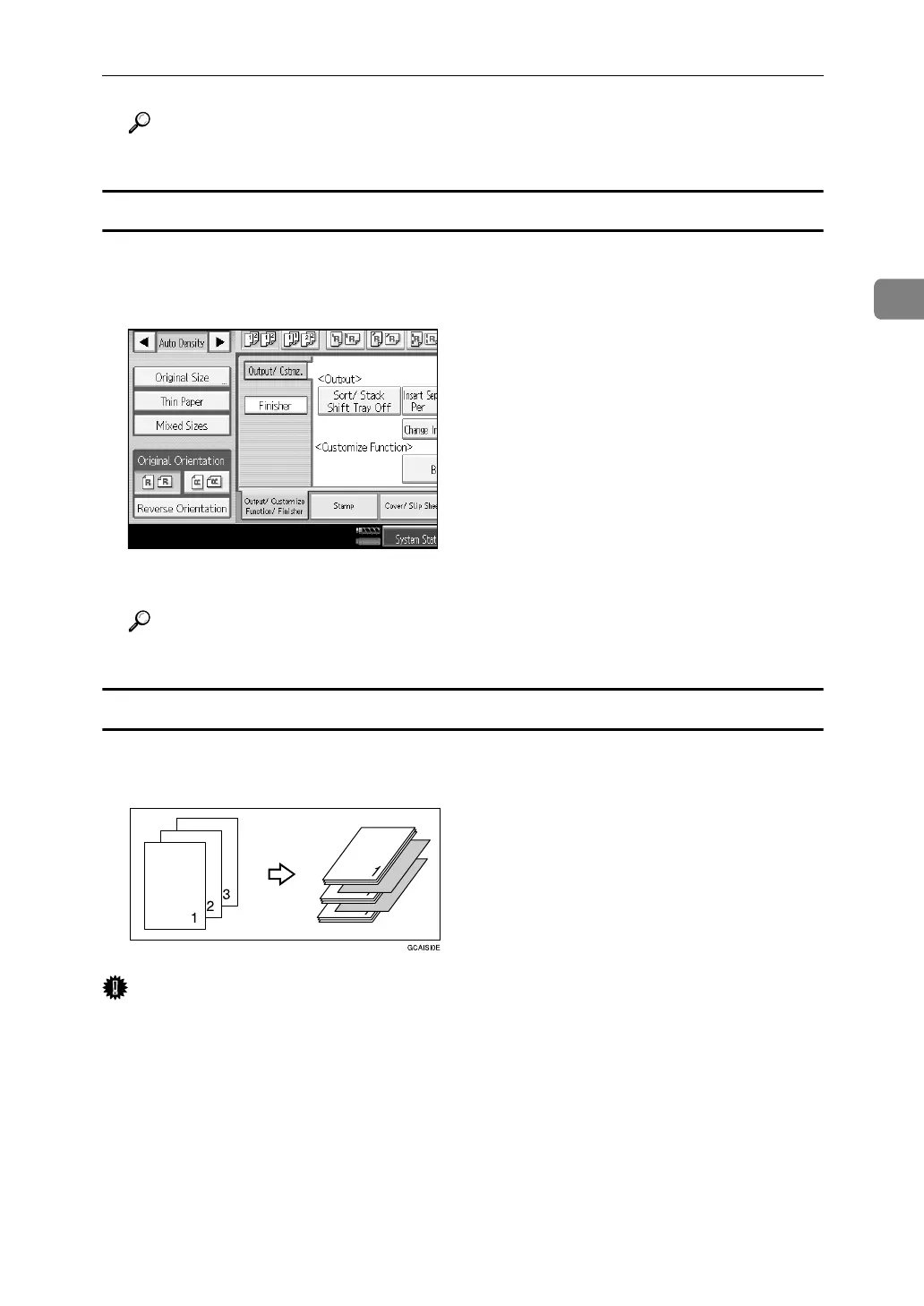
Use this function to have separation sheets inserted between sets.
Important
❒ Before selecting this function, set the tray for separation sheets. See “Tray Pa-
per Settings”, General Settings Guide.
A Press [Output/ Customize Function/ Finisher].
B Press [Output/ Cstmz.].
C Press [Insert Separation Sheet Per 1 set(s)] or [Insert Separation Sheet Per Job].
D Place originals, and then press the {Start} key.



 To Next Page