Relationship between Document Server and Other Functions
171
4
Simplified Display
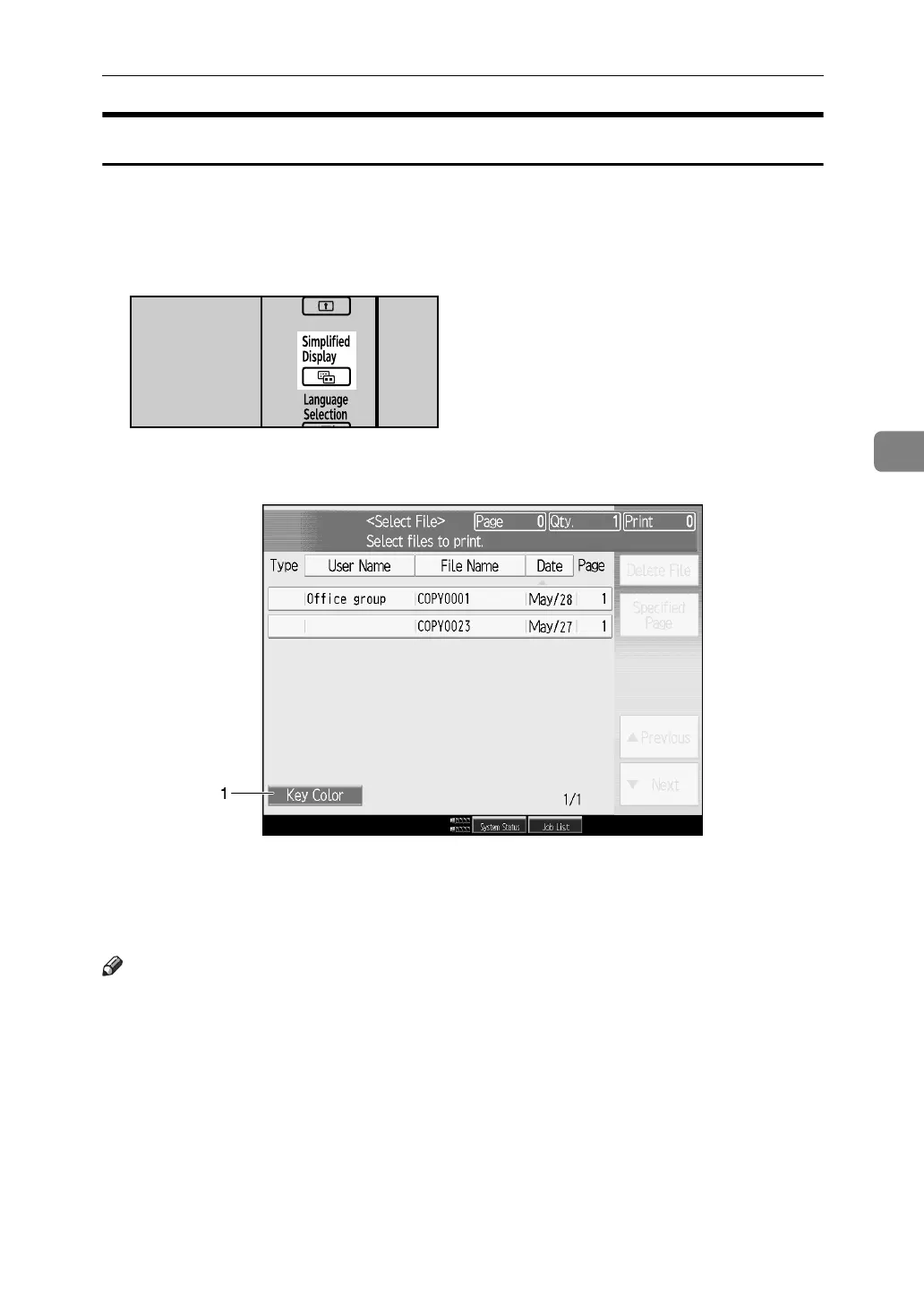
This section explains how to switch to the simplified display.
When you press the {Simplified Display} key, the screen changes from the initial
display to the simplified display.
Letters and keys are displayed at a larger size, making operations easier.
❖ Example of a simplified display
1. [Key Color]
Press to change the key color and in-
crease the brightness of the display panel.
Note
❒ To return to the initial display, press the {Simplified Display} key again.
❒ Certain keys do not appear on the simplified display.
APG044S
APG063S



 To Next Page