Using the Document Server
189
4
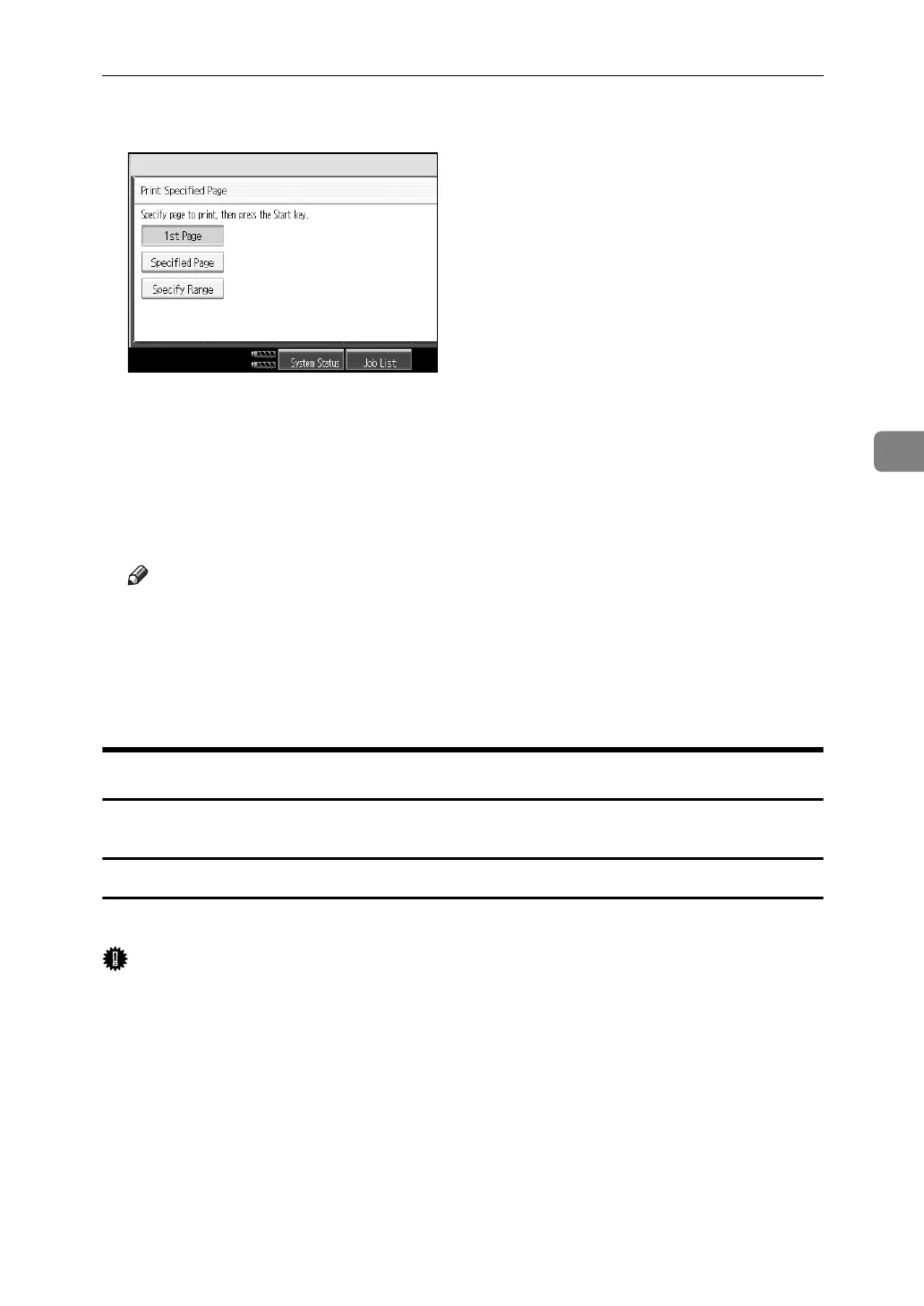
C Press [Specify Range].
D Specify the printing start page from the number keys and then press the
{q} key.
E Specify the printing end page from the number keys and then press the
{q} key.
F Press the {Start} key.
Note
❒ You can search the target document using, in step
A
, [User Name] or [File
Name] situated in the upper left side of the screen.
❒ In the display order field of step
A
, you can sort the documents by [User
Name], [File Name], [Date]. Press the item to be used for the sorting.
❒ To cancel the selection in step
A
, press the highlighted document again.
Edit File
You can edit documents stored in the Document Server.
Combining Files
You can combine two or more files stored in the Document Server.
Important
❒ You cannot recover the original files from the new file.
❒ You cannot combine files if they are currently being used by another function.
A Press the {Document Server} key.
B Select documents you want to combine.
If a password has been set for the document, enter it, and then press [OK].
The files are combined in the order of being selected.
C Press [Edit File].
D Press [Combine Files].



 To Next Page