Authentication and its Application
26
2
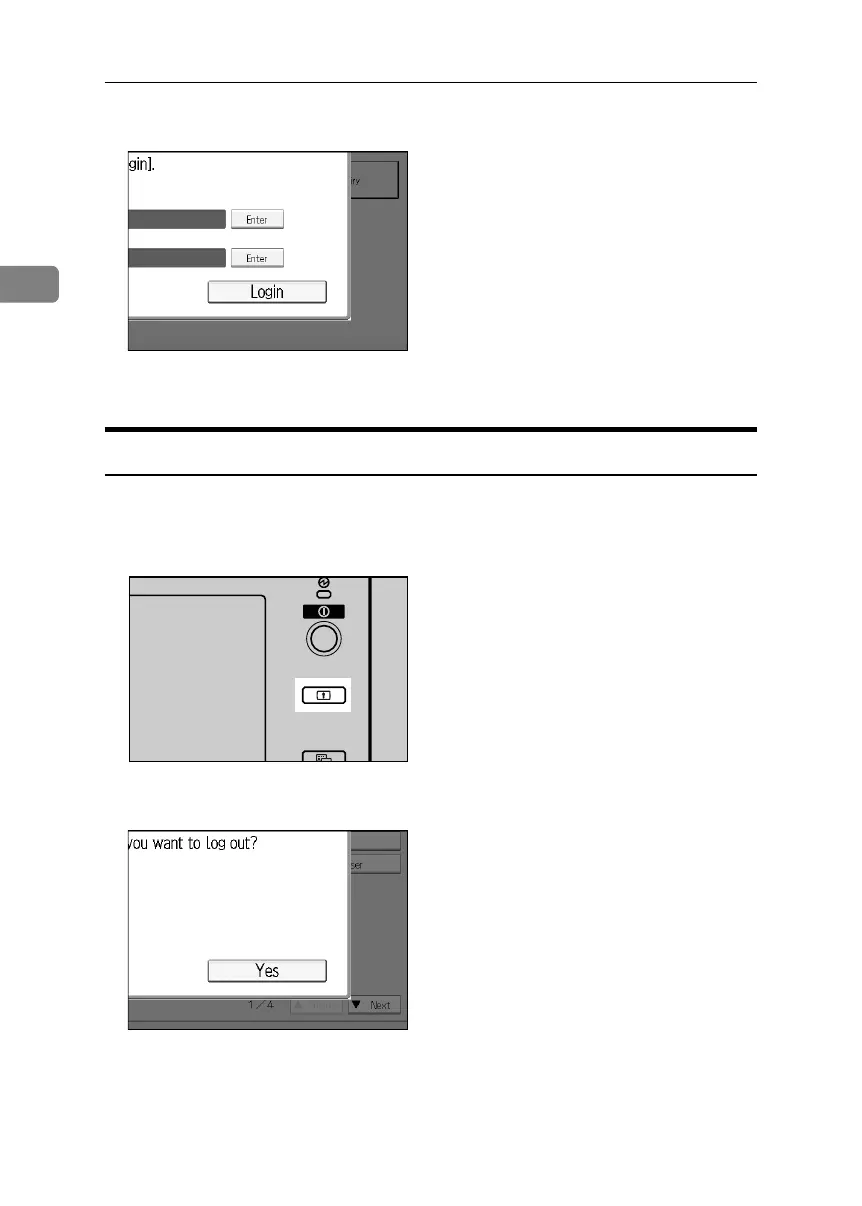
F Enter [Login].
“
Authenticating... Please wait.” appears, followed by the screen for
specifying the default.
Logging off Using Administrator Authentication
If administrator authentication has been specified, be sure to log off after com-
pleting settings. This section explains how to log off after completing settings.
A Press the {Login/Logout}key.
B Press [Yes].
APG012S
BelliniC3-EN_Sec_F_FM_forPaper.book Page 26 Friday, December 16, 2005 9:16 AM



 To Next Page