Copier Functions
83
2
E Select the paper.
F Press [OK].
G Place the originals, and then press the {Start} key.
Note
❒ You can erase a 3 mm (0.1 inch) boundary magazine around all four edges
of originals in Combine mode.
❒ You can set the copy order in Combine mode.
Reference
p.79 “Originals and copy orientation”
“Edit”, General Settings Guide
Two-Sided Combine
Combine various pages of originals into one sheet with two sides.
There are six types of Two-Sided Combine.
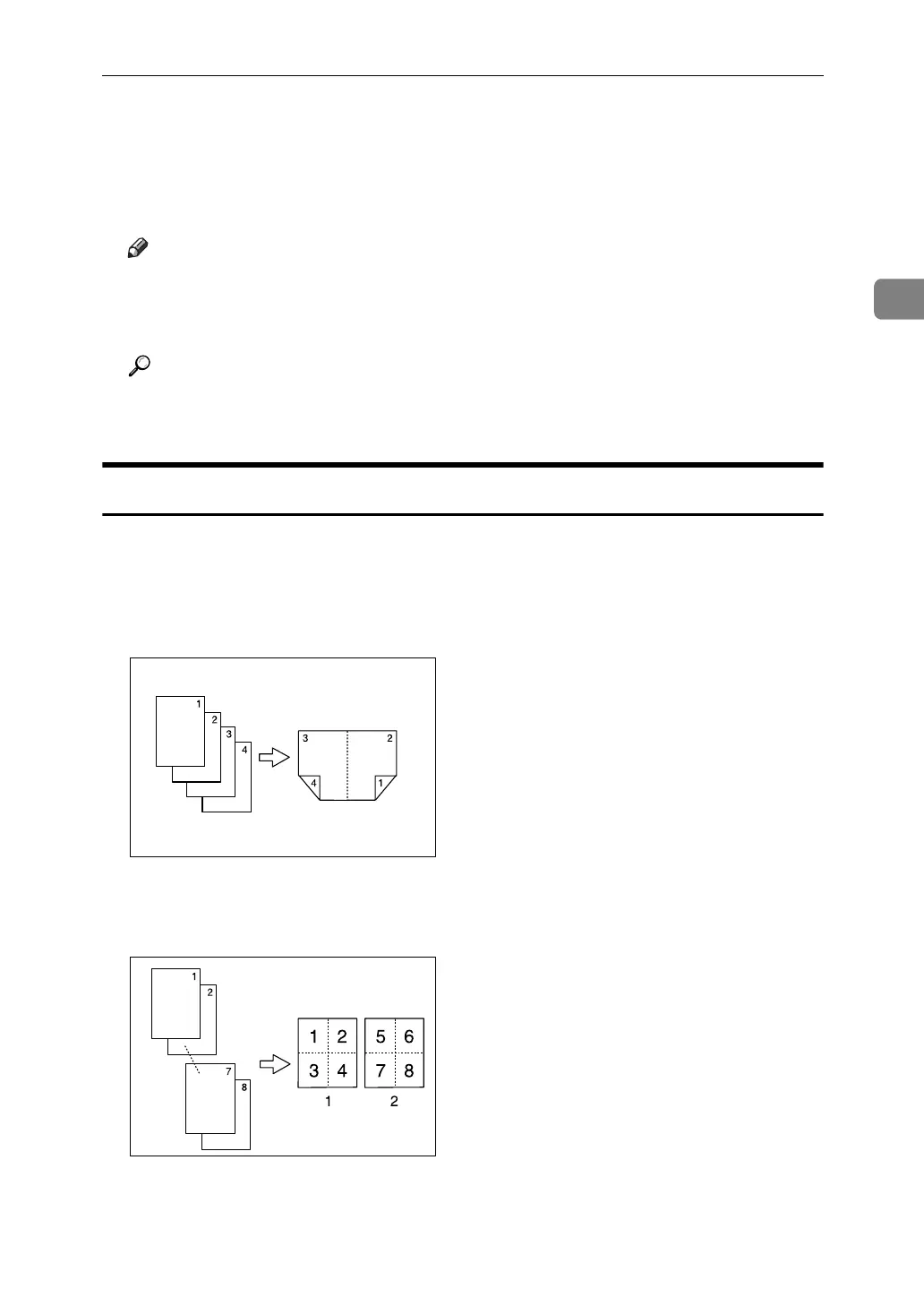
❖ 1 Sided 4 Pages → Combine 2 Sides
Copies 4 one-sided originals to one sheet with two pages per side.
❖ 1 Sided 8 Pages → Combine 2 Sides
Copies 8 one-sided originals to one sheet with four pages per side.
A Front
B Back
GCBOOK1E
GCSHVYAE



 To Next Page