Copying
82
2
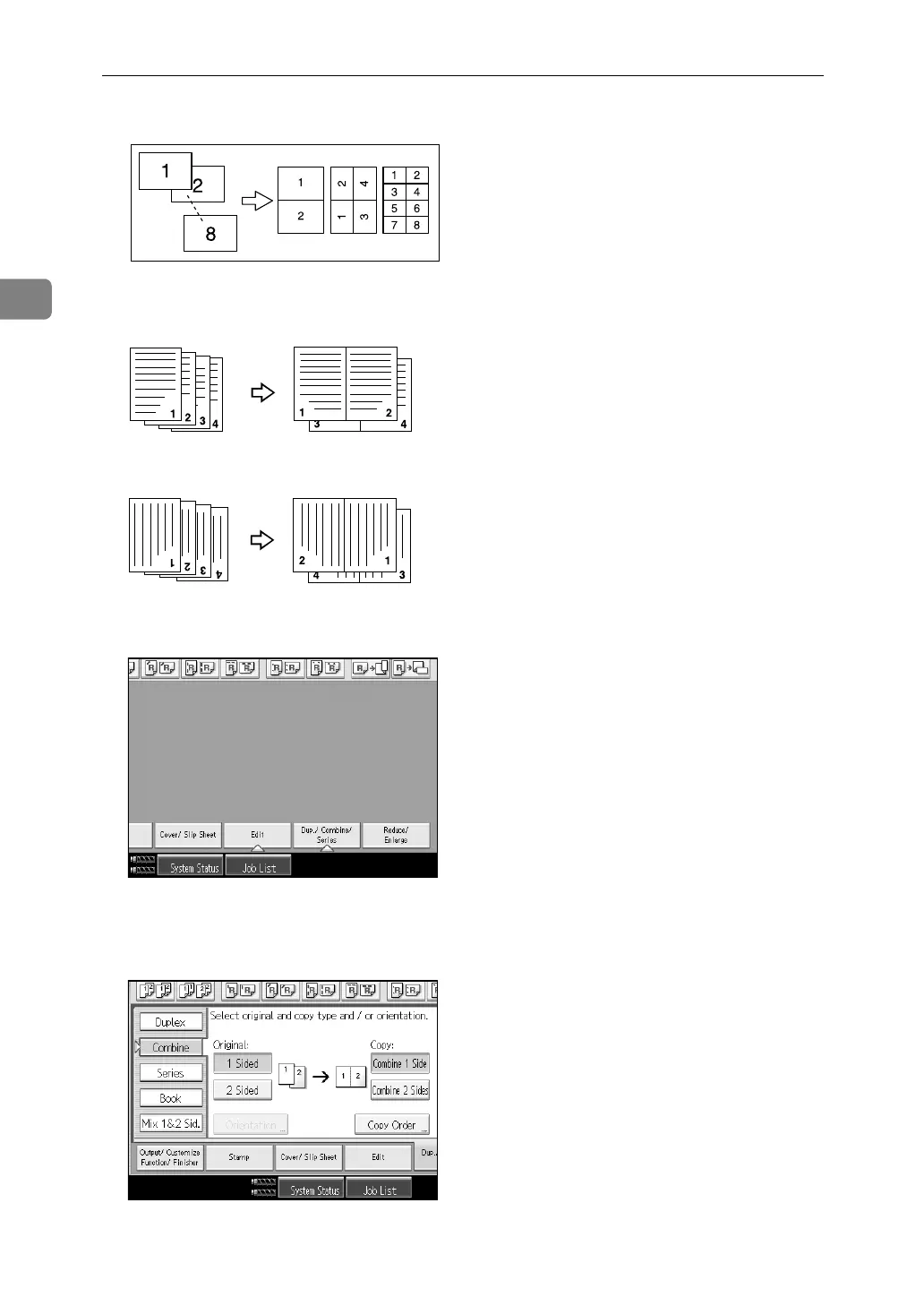
Open to top (L) originals
Placing originals and copying
• Originals read from left to right
• Originals read from top to bottom
A Press [Dup./ Combine/ Series].
B Press [Combine].
C Select [1 Sided] or [2 Sided] for original, and then press [Combine 1 Side] for Copy.
D Select the number of originals to combine.
GCSHUY2E
Combine5
Combine6



 To Next Page