Getting Started
16
1
Display Panel
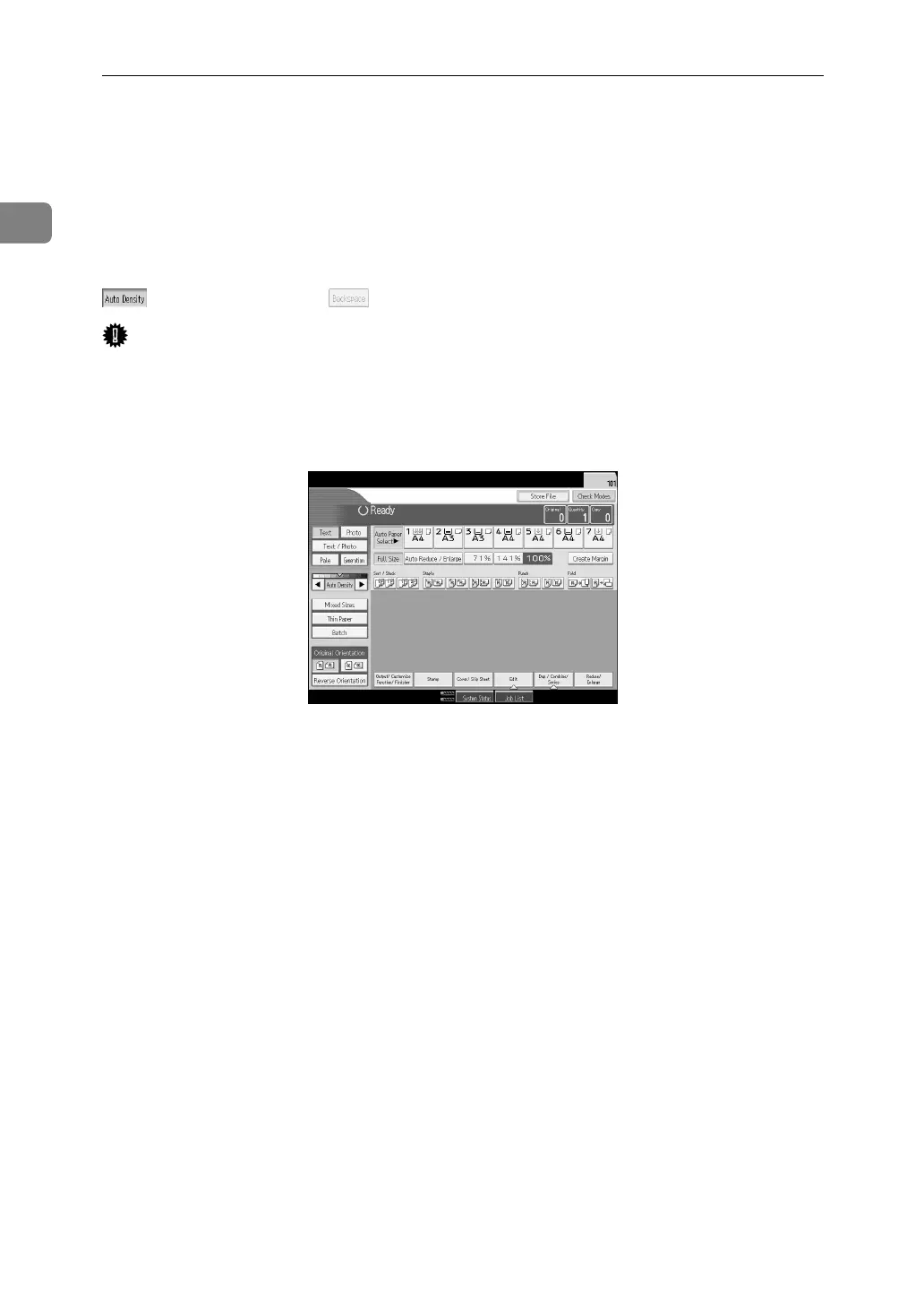
The display panel shows machine status, error messages and function menus.
The function items displayed serve as selector keys. You can select or specify an
item by lightly pressing them.
When you select or specify an item on the display panel, it is highlighted like
. Keys appearing as cannot be used.
Important
❒ A force or impact of more than 30 N (about 3 kgf) will damage the display
panel.
By default the copying screen is displayed when you turn the power on.
The following display is of a machine with the options fully installed.



 To Next Page