Control Panel
15
1
Note
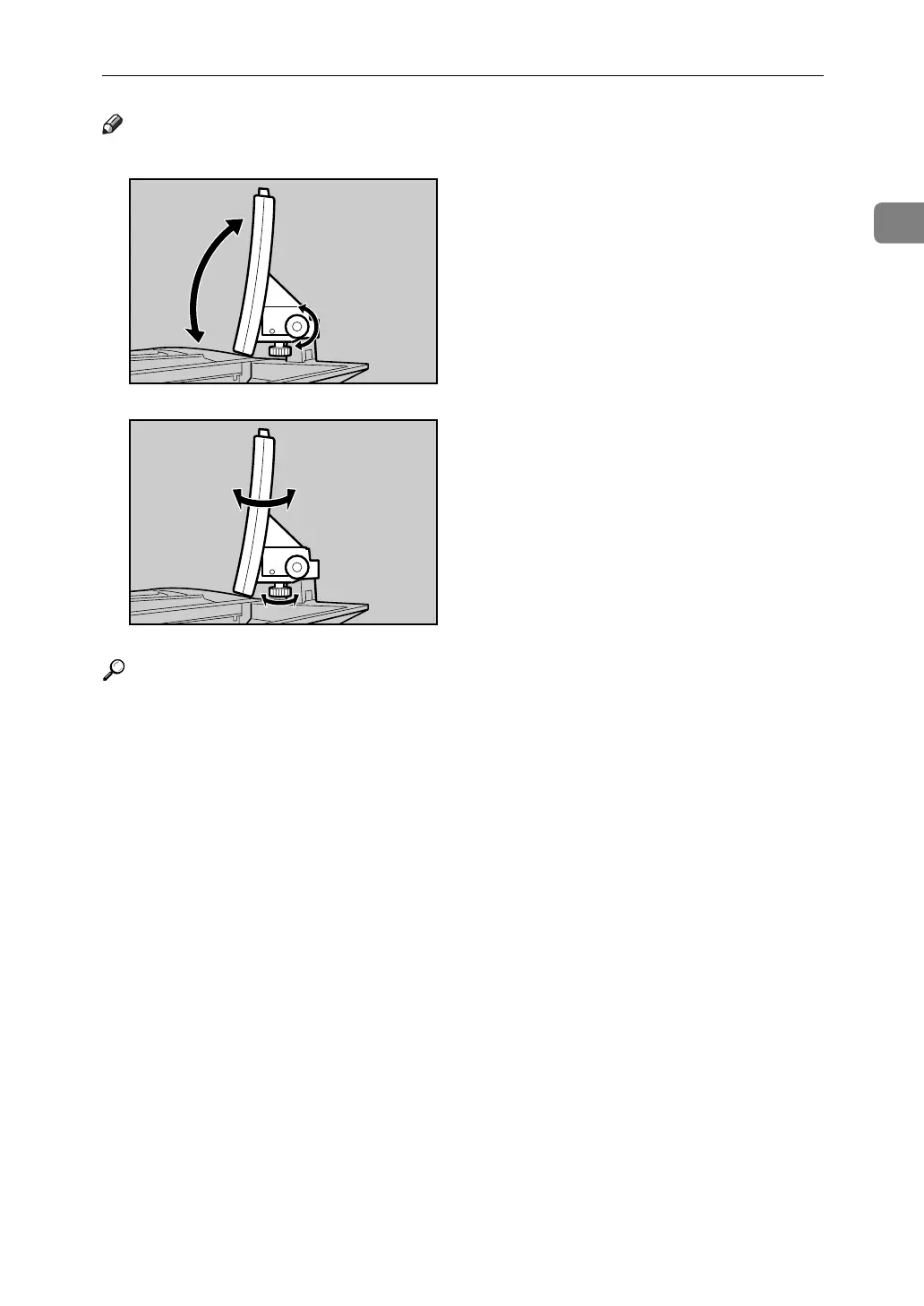
❒ You can adjust the angle of the control panel.
Reference
p.26 “Saving Energy”
p.23 “Turning On the Power”
p.17 “Simplified Display”
p.22 “Changing Modes”
“Interrupt Copy”, Copy/Document Server Reference
“Sample copy”, Copy/Document Server Reference
“Counter”, General Settings Guide
“Accessing User Tools (System Settings)”, General Settings Guide
APF059S
APF060S



 To Next Page