Copying
62
2
E Specify the desired ratio using [n] or [o].
Pressing [n] or [o] changes the ratio in increments of 1%. Pressing and hold-
ing down the relevant key changes the ratio in increments of 10%.
F Press [Vertical].
G Specify the desired ratio using [n] or [o].
H Press [OK] twice.
I Place the originals, and then press the {Start} key.
Note
❒ If you have incorrectly entered the ratio in steps
E
or
G
, readjust it with [n]
or [o].
Directional Size Magnification (inch)
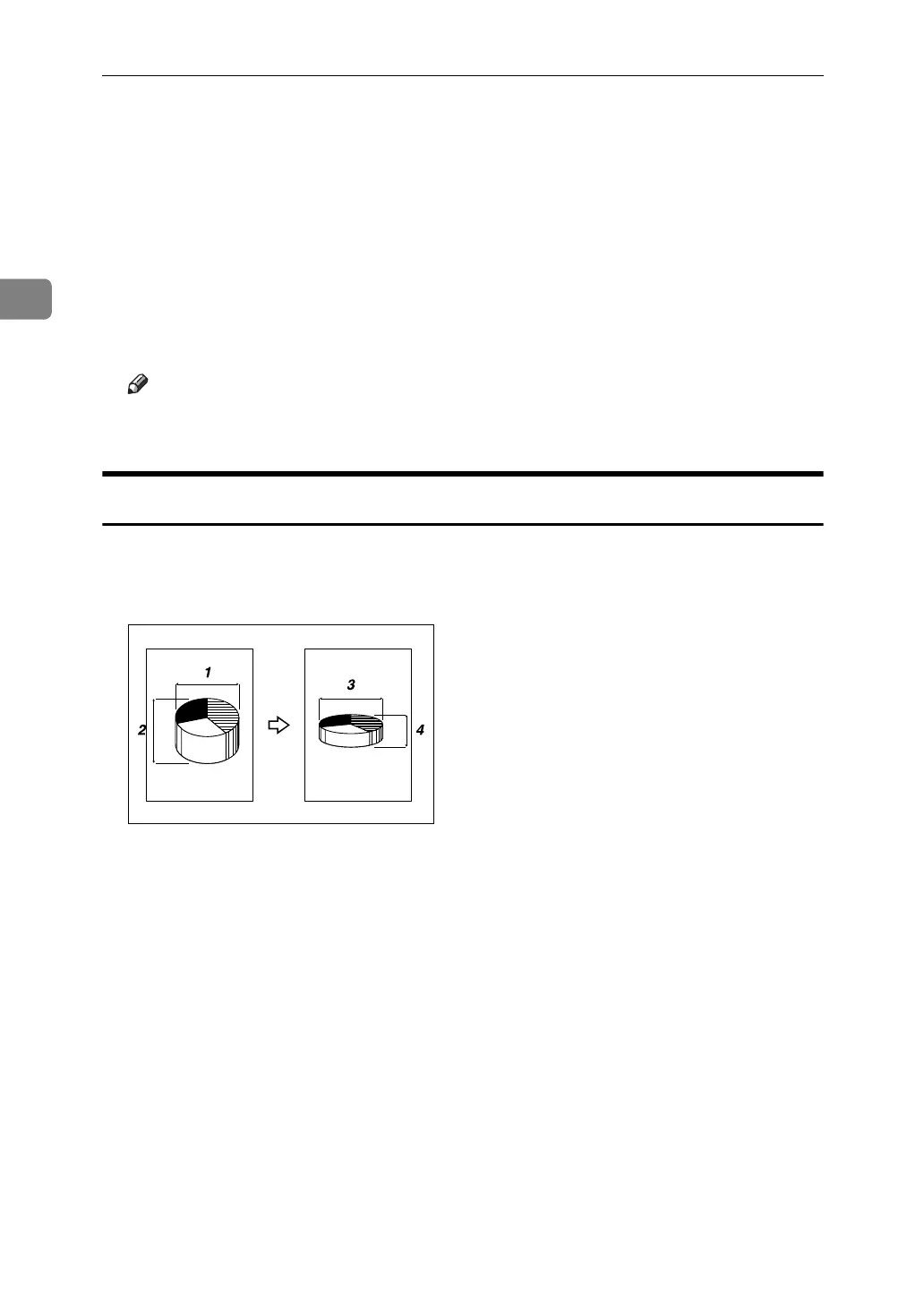
A suitable reproduction ratio is automatically selected when you enter the hori-
zontal and vertical lengths of the original and copy image you require.
A Horizontal original size: A mm (inch)
B Vertical original size: B mm (inch)
C Horizontal copy size: a mm (inch)
D Vertical copy size: b mm (inch)
Measure and specify the lengths of the original and copy by comparing “A” with
“a” and “B” with “b”.
CP2M01EE



 To Next Page