Authentication Information
191
7
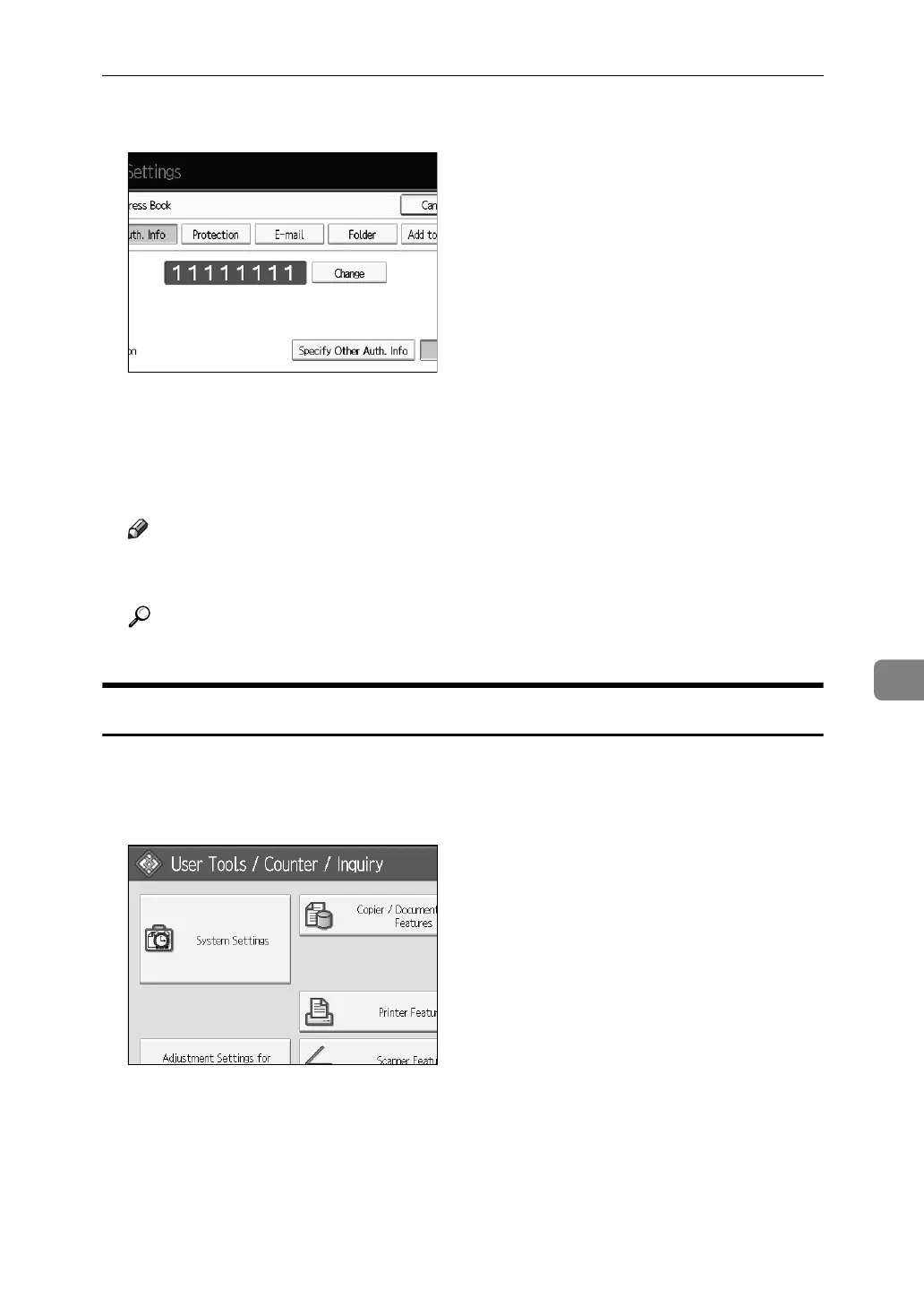
G Press [Change] to delete the user code, and then press {#} key.
H Press [OK].
I Press [Exit].
J Press the {User Tools} key.
Note
❒ To delete a name from the Address Book entirely, see “Deleting a Regis-
tered Name”.
Reference
p.186 “Deleting a Registered Name”
Displaying the Counter for Each User
Following describes the procedure for displaying the counter on individual user
basis.
A Press [System Settings].
B Press [Administrator Tools].
C Press [Display/Clear/Print Counter per User].
D Select the function usage you want to print from [Copier Counter], [Print
Counter] or [Scanner Counter].
Counters for individual function usage under each user code appear.



 To Next Page