Appendix
168
8
C Enter a login user name, and then press [OK].
Note
❒ When you assign the administrator for the first time, enter “supervisor”.
D Press [Enter] for [Login Password].
E Enter a login password, and then press [OK].
Note
❒ When you assign the administrator for the first time, proceed to step
F
without pressing [Enter].
F Press [Login].
Logging off as the Supervisor
If administrator authentication has been specified, be sure to log off after com-
pleting settings. This section explains how to log off after completing settings.
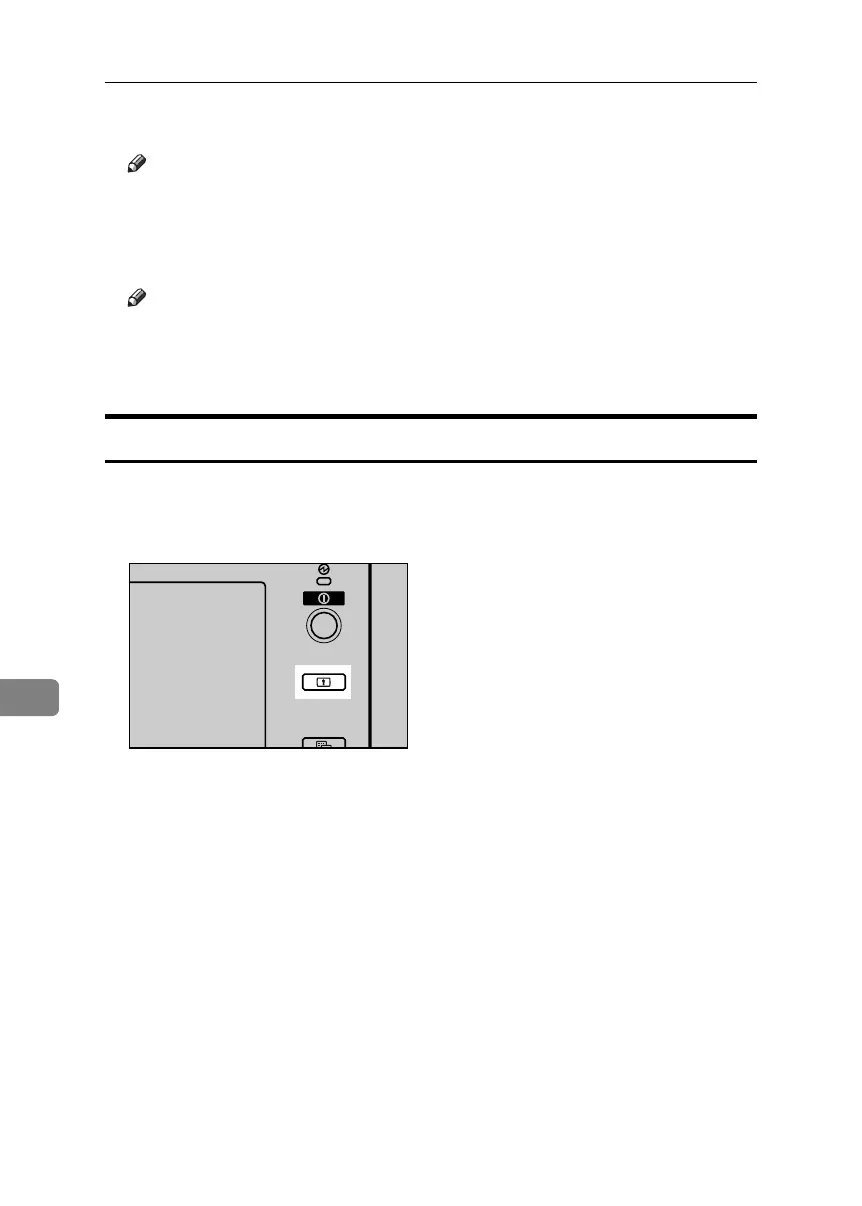
A Press the {Login/Logout} key.
B Press [Yes].
APG012S
BelliniC3-EN_Sec_F_FM_forPaper.book Page 168 Friday, December 16, 2005 9:16 AM



 To Next Page