Programs
145
2
D Press the program number you want to store.
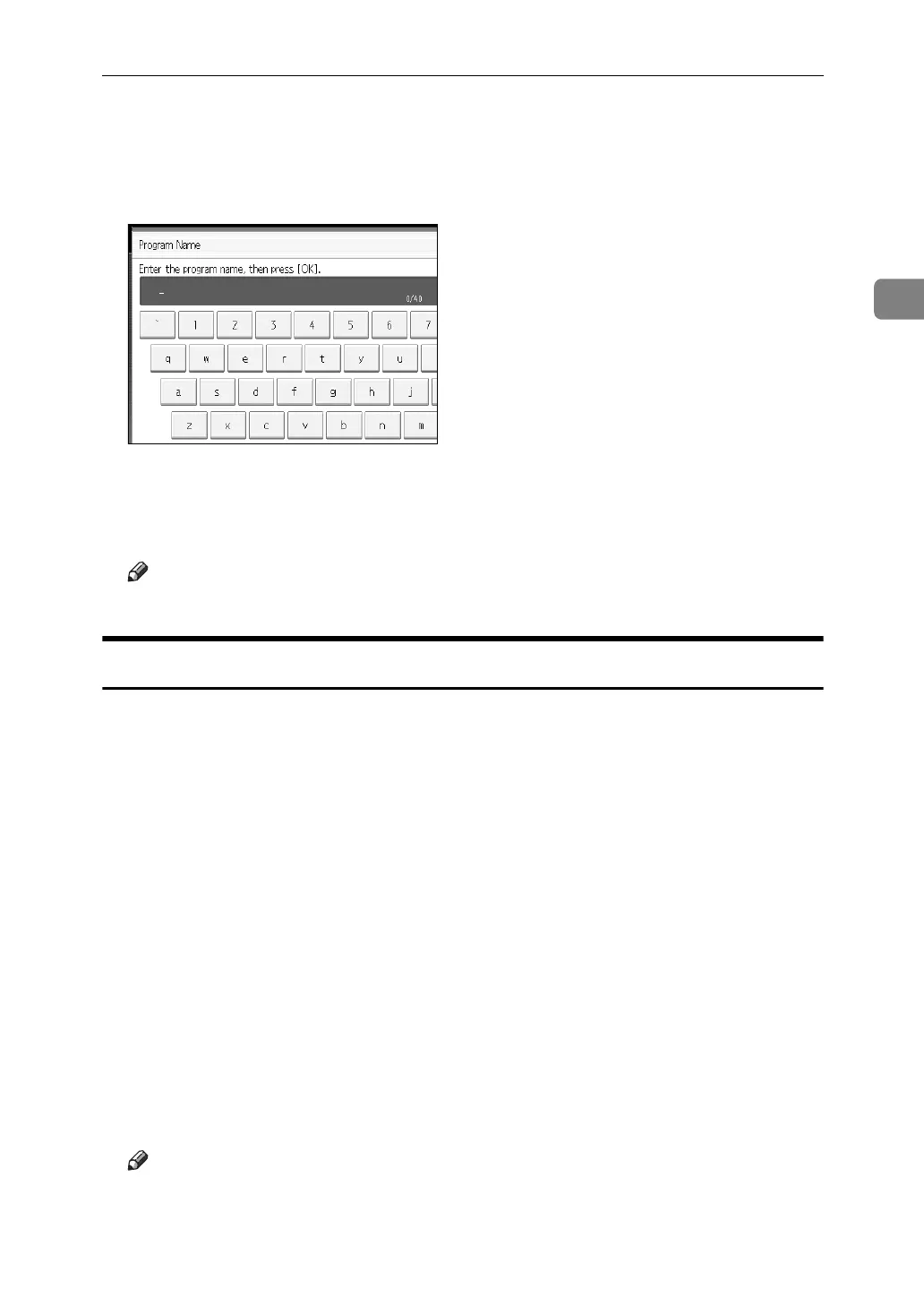
E Enter the program name.
You can enter up to 40 characters.
F Press [OK].
The screen returns to the program screen, showing the program number followed by
the program name. The screen returns to the initial copy display after a short time.
Note
❒ Program numbers with m against them already have settings made for them.
Changing a Stored Program
Changes program settings.
A Check the program settings.
B Set the contents of a program.
C Press the {Program} key.
D Press [Program].
E Press the program number you want to store.
F Press [Yes].
G Enter the program name.
You can enter up to 40 characters.
H Press [OK].
The screen returns to the program screen, showing the program number followed by
the program name. The screen returns to the initial copy display after a short time.
Note
❒ When you want to check the contents of a program, recall the program.
❒ When it is overwritten, the previous program is deleted.



 To Next Page