Registering Names to a Group
223
7
E Select the group where the members you want to check is egistered.
You can search by the registered name, user code, folder name, or e-mail address.
F Press [Programmed User/Group].
All the names registered will be displayed.
G Press [OK].
Removing a Name from a Group
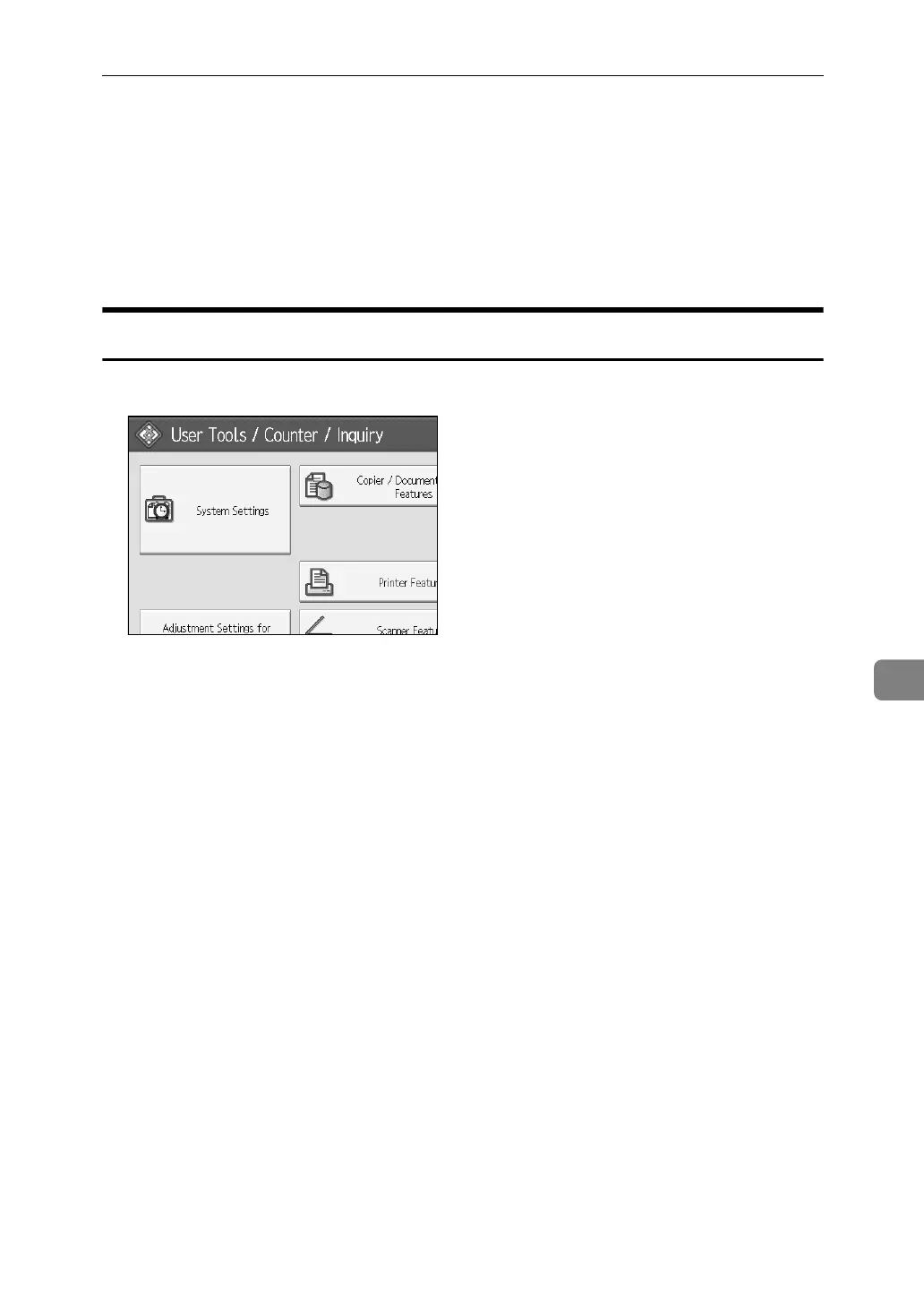
A Press [System Settings].
B Press [Administrator Tools].
C Press [Address Book Management].
D Check that [Program / Change] is selected.
E Select the name to remove from a group.
Press the name key, or enter the registered number using the number keys.
You can search by the registered name, user code, folder name, or e-mail address.
F Press [Add to Group].



 To Next Page