Enhanced Security
5
1
Setting Up the Machine
If you want higher security, make the following setting before using the ma-
chine:
A Turn the machine on.
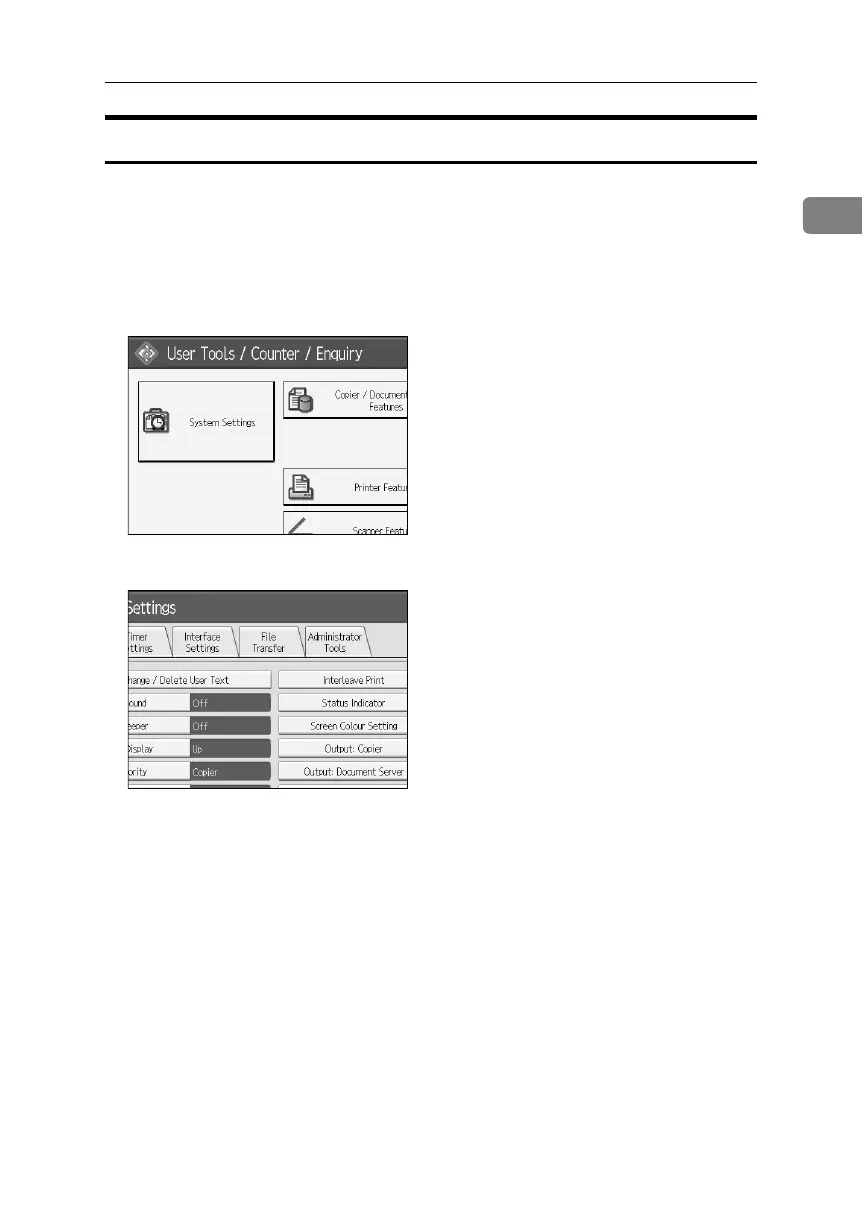
B Press the {User Tools} key.
C Press [System Settings].
D Press {Interface Settings}.
E Specify IP Address.
For details, see the General Settings Guide.
F Connect the machine to the network.
G Start the Web Image Monitor, and then log on to the machine as the admin-
istrator.
For details, see p.68 “Login (Using Web Image Monitor)”.
H Install the server certificate.
For details, see p.139 “Protection Using Encryption”.
I Enable secure sockets layer (SSL).
BelliniC3-EN_Sec_F_FM_forPaper.book Page 5 Friday, December 16, 2005 9:16 AM



 To Next Page