Document Server
180
4
Changing User Name, File Name or Password of a Stored
Document
Following describes the procedure for changing a user name, document name or
password.
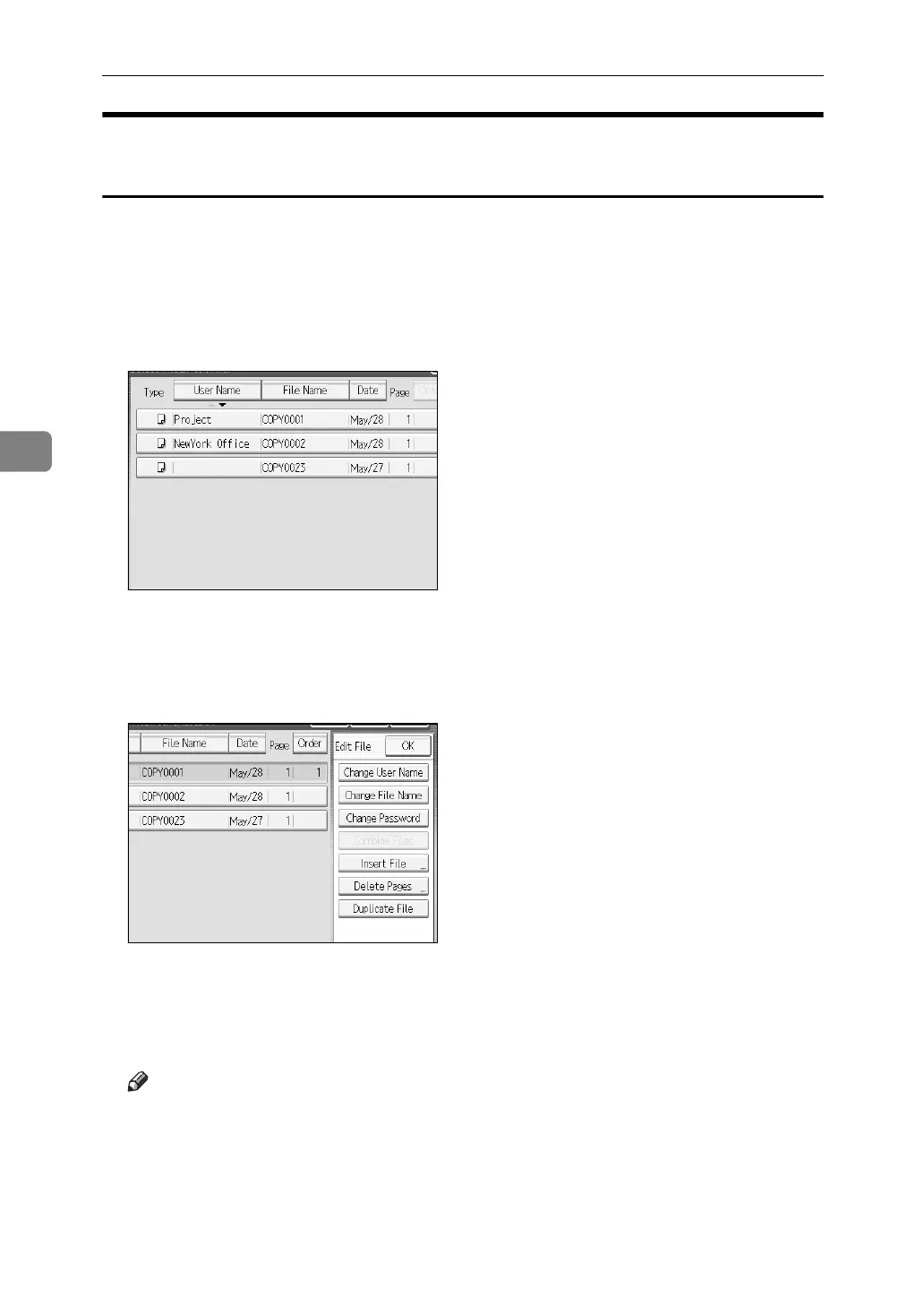
A Press the {Document Server} key.
B Select the document whose user name, document name or password is to
be changed.
When a password is set, enter it and then press [OK].
C Press [Edit File].
D Press [Change User Name], [Change File Name] or [Change Password].
E From the respective change screens, enter the new user name, document
name or password and then press [OK].
F Press [OK].
Note
❒ Depending on the security settings, [Change Access Priv.] is displayed in-
stead of [Change User Name].
❒ For details about procedure for setting [Change Access Priv.], ask the administrator.



 To Next Page