Document Server
178
4
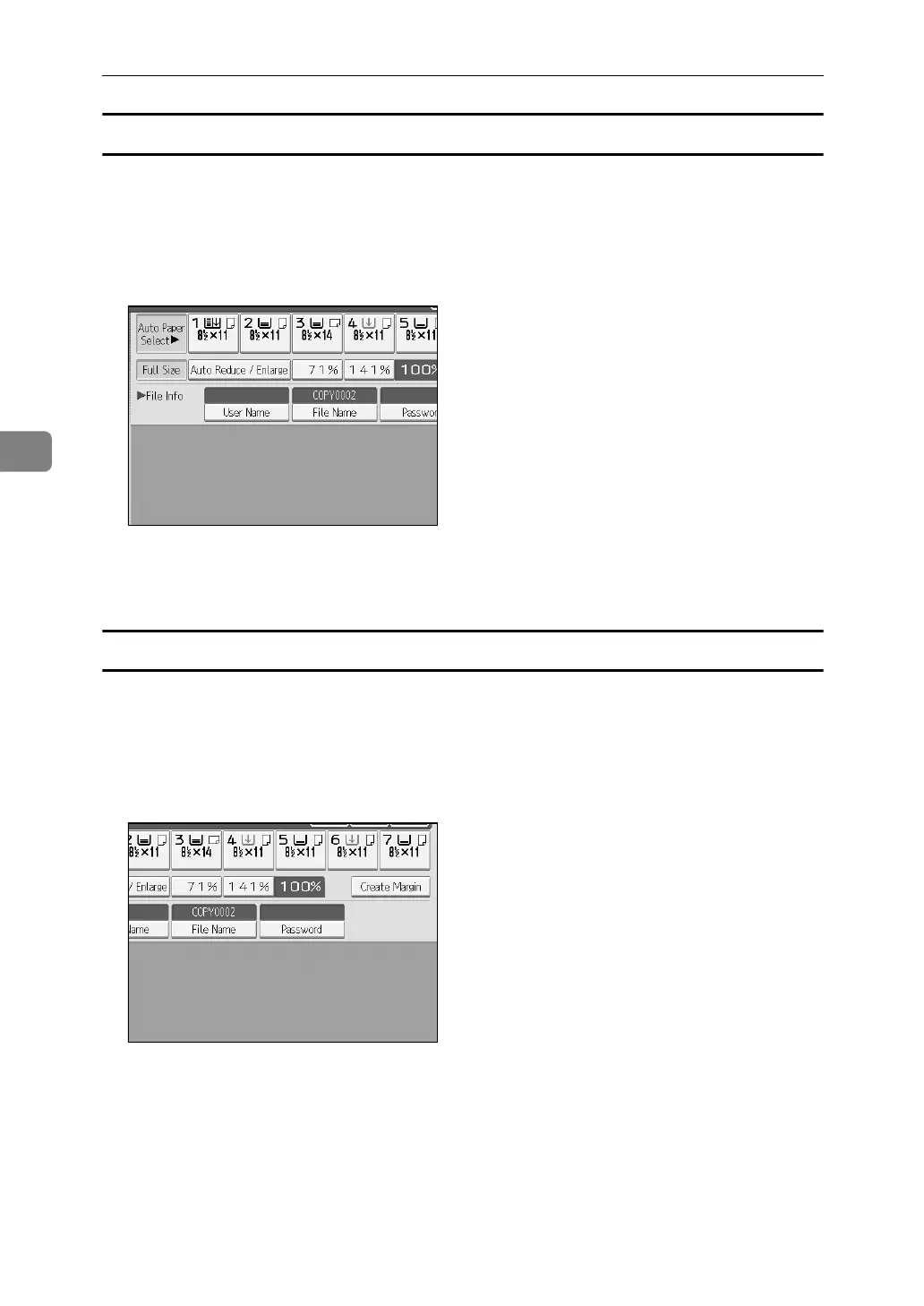
To register or change a user name (When no name is registered to the Address Book)
Following describes the procedure for registering or changing a user name to be
attached to a stored document.
A Display the original scan screen.
B Press [User Name].
The user name input screen will appear.
C Enter the user name and then press [OK].
To change a file name
Following describes the procedure for changing a name to be attached to a
stored document.
A Display the original scan screen.
B Press [File Name].
The document name change screen will appear.
C Press [Delete All] to delete the document name to be automatically set.
D Enter the document name and then press [OK].



 To Next Page