Entering Text
29
2
How to Enter Text
You can enter text as described below.
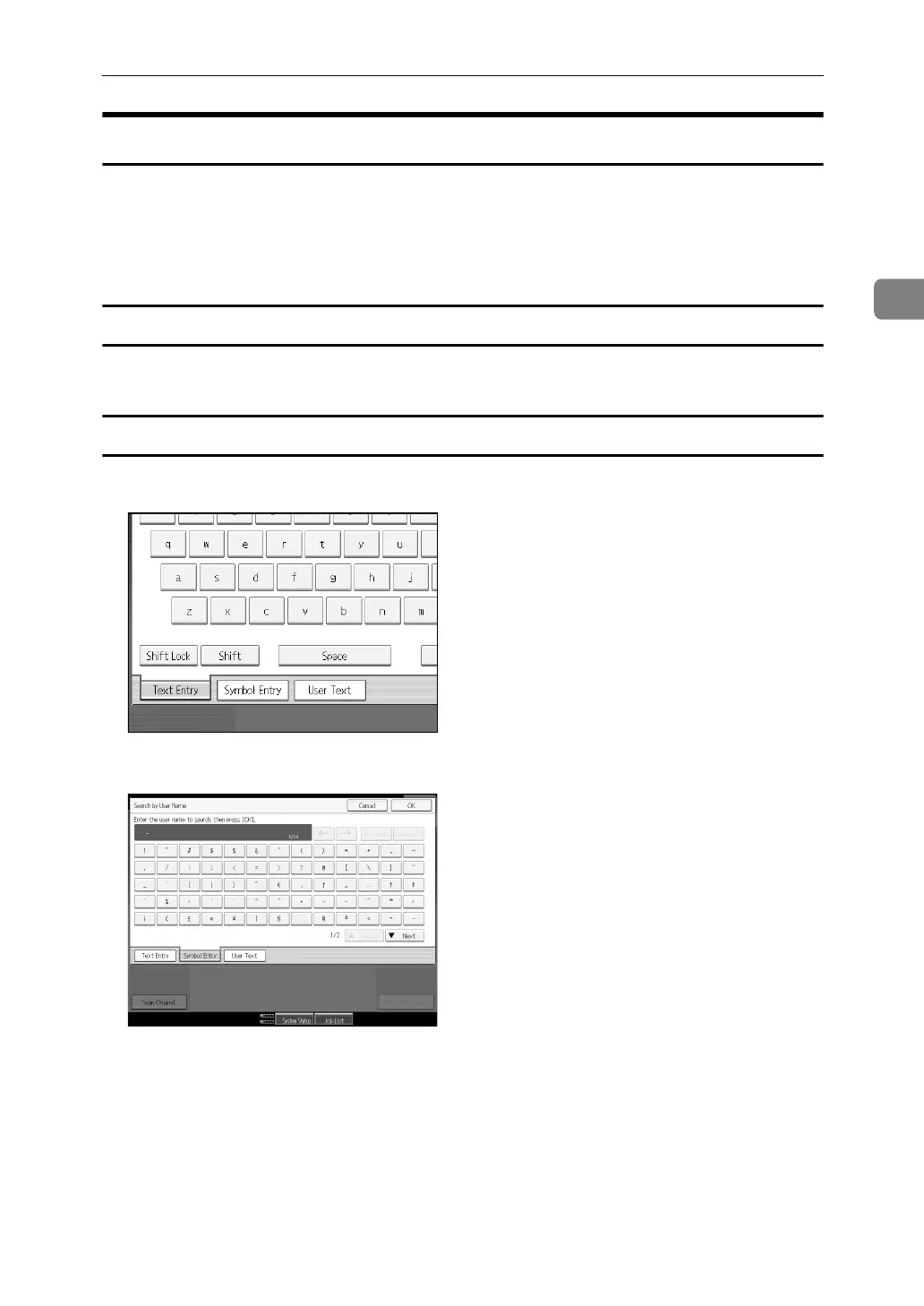
A Press [Shift] to switch between uppercase and lowercase.
B Press the letters you want to enter.
Deleting Characters
A Press [Backspace] or [Delete All] to delete characters.
Entering Symbols
A Press [Symbol Entry] to enter into the Symbols mode.
B Press the symbols you want to enter.



 To Next Page