Copier Functions
61
2
To enter the ratio with the number keys
Select a ratio using the number keys.
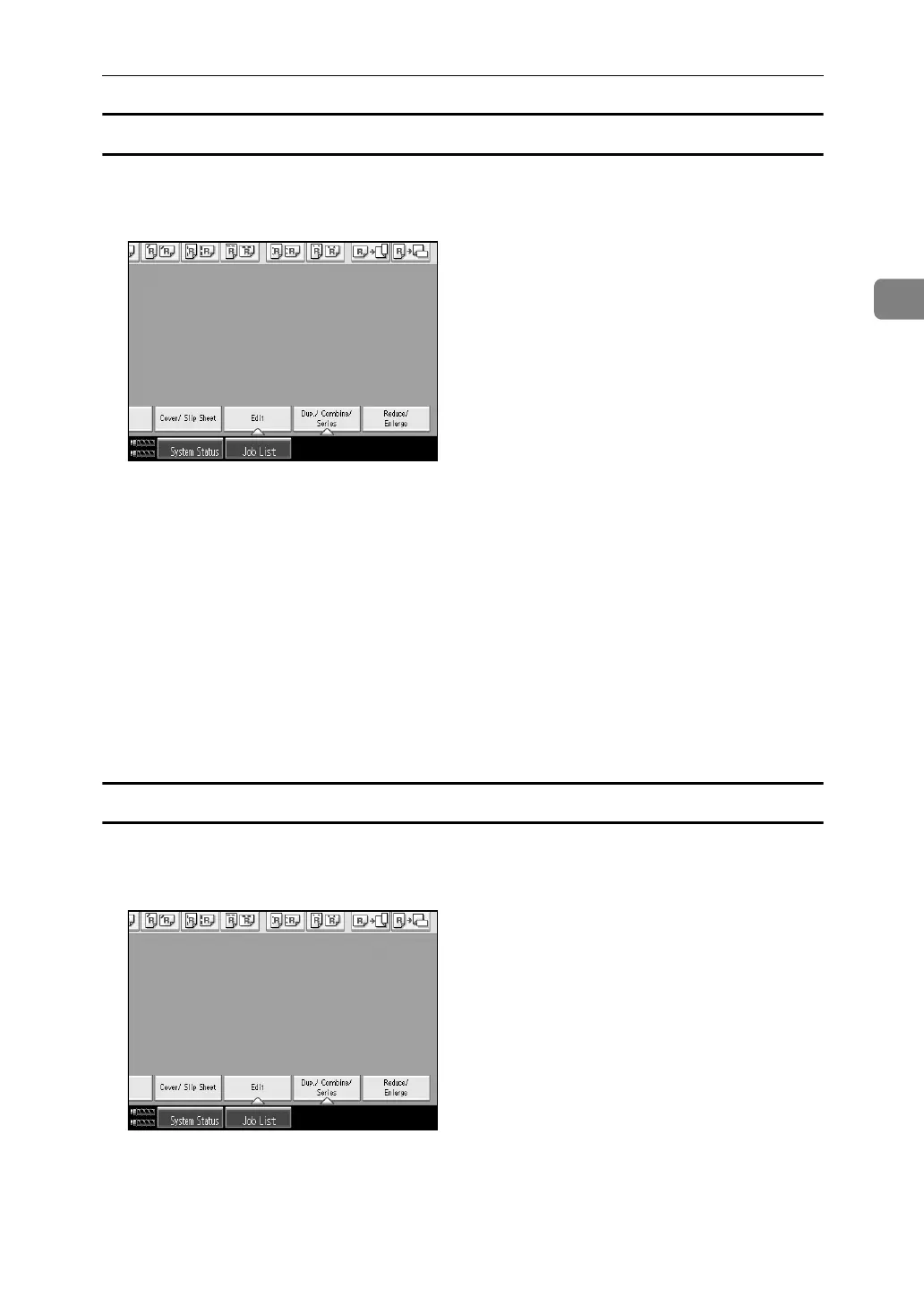
A Press [Reduce/ Enlarge].
B Press [Direct. Mag. %].
C Press [Horizontal].
D Enter the desired ratio with the number keys, and then press the {q} key.
E Press [Vertical].
F Enter the desired ratio with the number keys, and then press the {q} key.
G Press [OK] twice.
H Place the originals, and then press the {Start} key.
To specify a ratio with [o] and [n]
Select a ratio using [o] or [n].
A Press [Reduce/ Enlarge].
B Press [Direct. Mag. %].
C Press [[n][o] keys].
D Press [Horizontal].


 To Next Page