Document Server
186
4
Changing Number of Print Copies while Printing is in Progress
Following describes the procedure for changing the number of print copies after
printing is stared.
Important
❒ This feature is enabled when the sort function is selected in the printing con-
ditions.
A Press the {Stop} key.
B Press [Change Quantity].
C Enter the number of print copies anew from the number keys.
D Press the {q} key.
E Press [Continue].
Printing will be resumed.
Note
❒ The range of print copies enterable in step
C
depends on the timing of your
pressing the {Stop} key.
Sample Print
When print copies are massive, you can print a single copy in advance to check
appropriateness of the printing order of the selected documents and the printing
conditions.
Important
❒ This feature is enabled when the sort function is selected in the printing conditions.
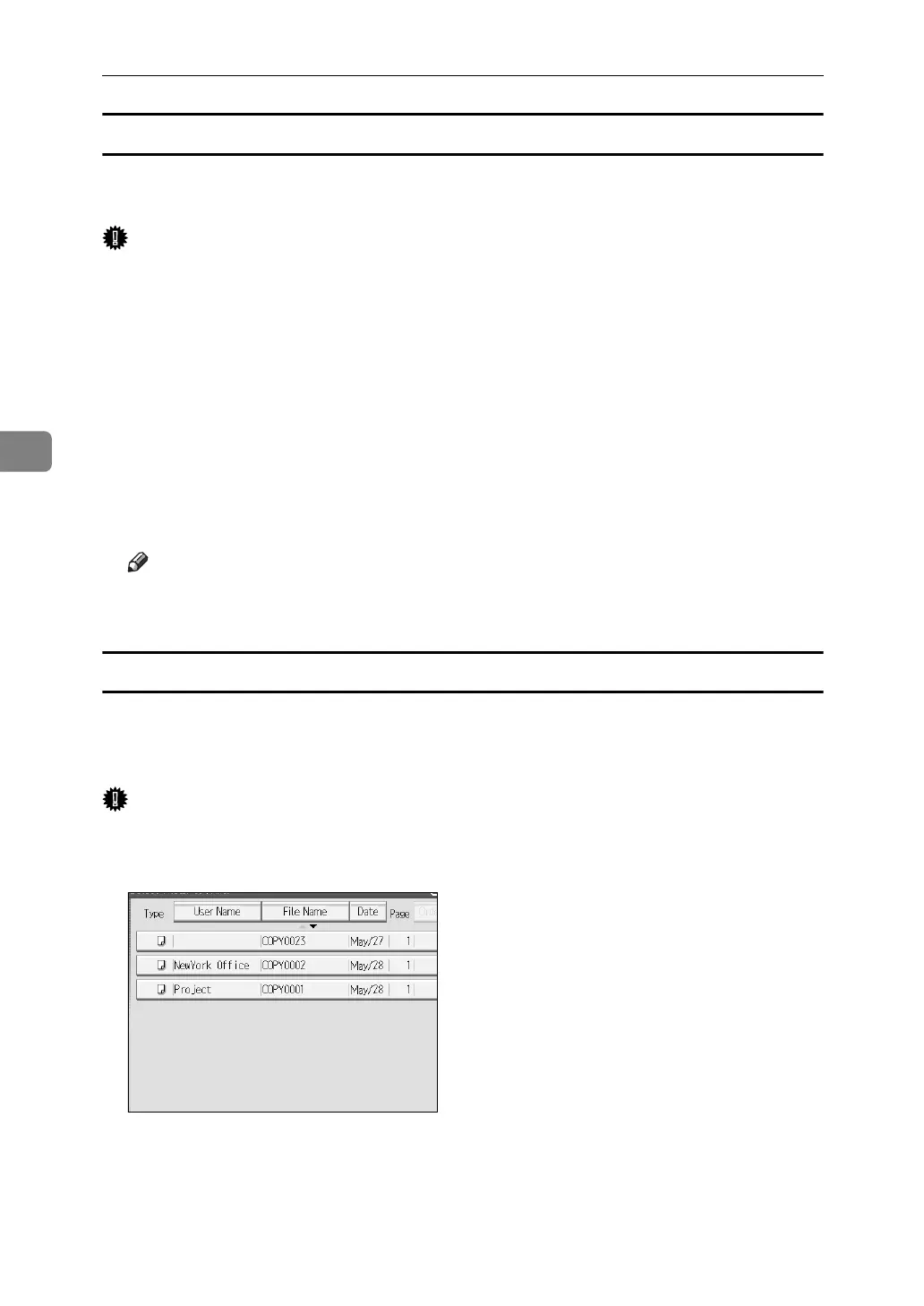
A Select the document to be printed.
When a password is set, enter it and then press [OK].
B Press [To Printing Screen].
C Press the {Sample Copy} key.
Only one copy will be printed.



 To Next Page