Copying
50
2
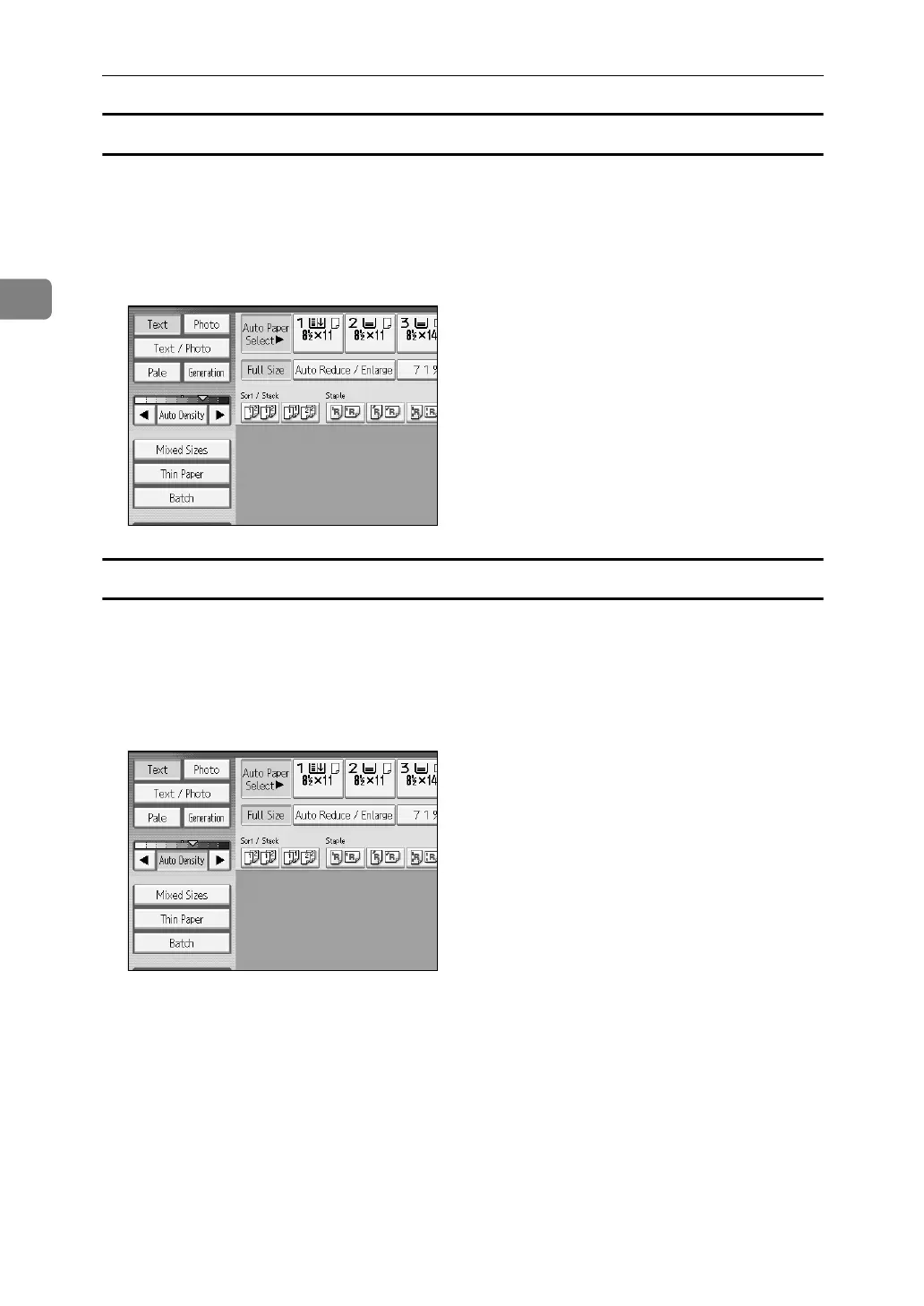
Manual image density
You can adjust the general density of the original in nine increments.
A [Auto Density] is selected, press [Auto Density] to cancel it.
B Press [W] or [V] to adjust the image density. The density indicator “{”
moves.
Combined auto and manual image density
Adjusts the density of an image only for dark texture originals.
A Make sure [Auto Density] is selected.
B Press [W] or [V] to adjust the image density. The density indicator “{”
moves.



 To Next Page