Copier Functions
97
2
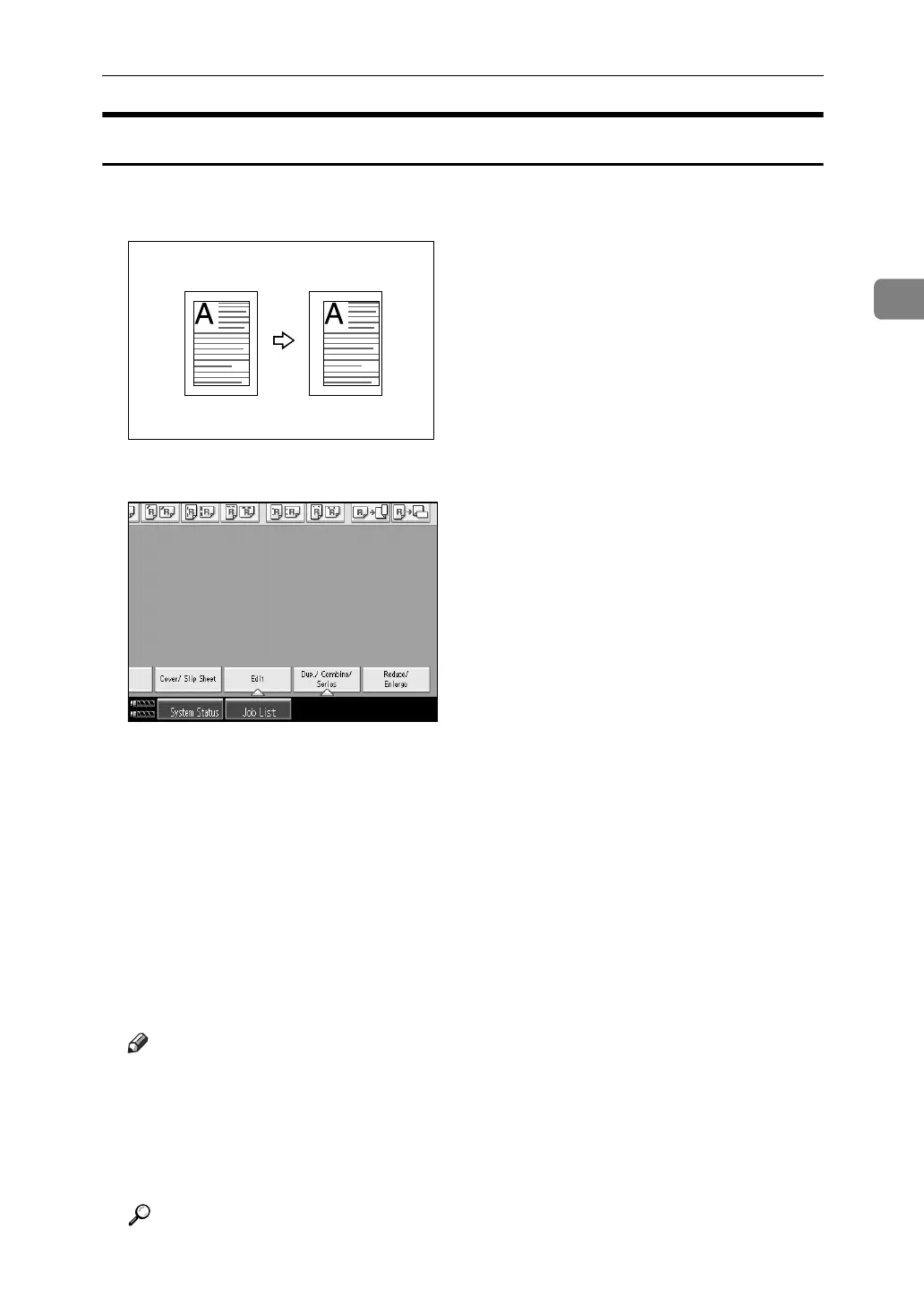
Margin Adjustment
You can make a binding margin.
A Press [Edit].
B Press [Margin Adj.].
C Set a binding margin for a front page. Press [←] and [→] when setting the
left and right margins, and [↓] and [↑] when setting the top and bottom margins.
D Set a binding margin for the back side pages. Press [←] and [→] when set-
ting the left and right margins, and [↓] and [↑] when setting the top and bot-
tom margins, and then press [OK].
Margin on the back side of the page is valid when [1 Sided→2 Sided] or [Com-
bine 2 Sides] is selected.
E Place the originals, and then press the {Start} key.
Note
❒ You can set the binding margin up to 30 mm (1.2") in 1 mm (0.1") steps.
❒ If you make a mistake, press [←], [→], [↓], [↑], or press [Clear] to set a new
value.
❒ If you do not need to specify the margins for the back side pages in step
D
,
press [OK] and proceed to step
E
.
Reference
“Edit”, General Settings Guide



 To Next Page