Registering Addresses and Users for Scanner Functions
226
7
Changing a Group Name
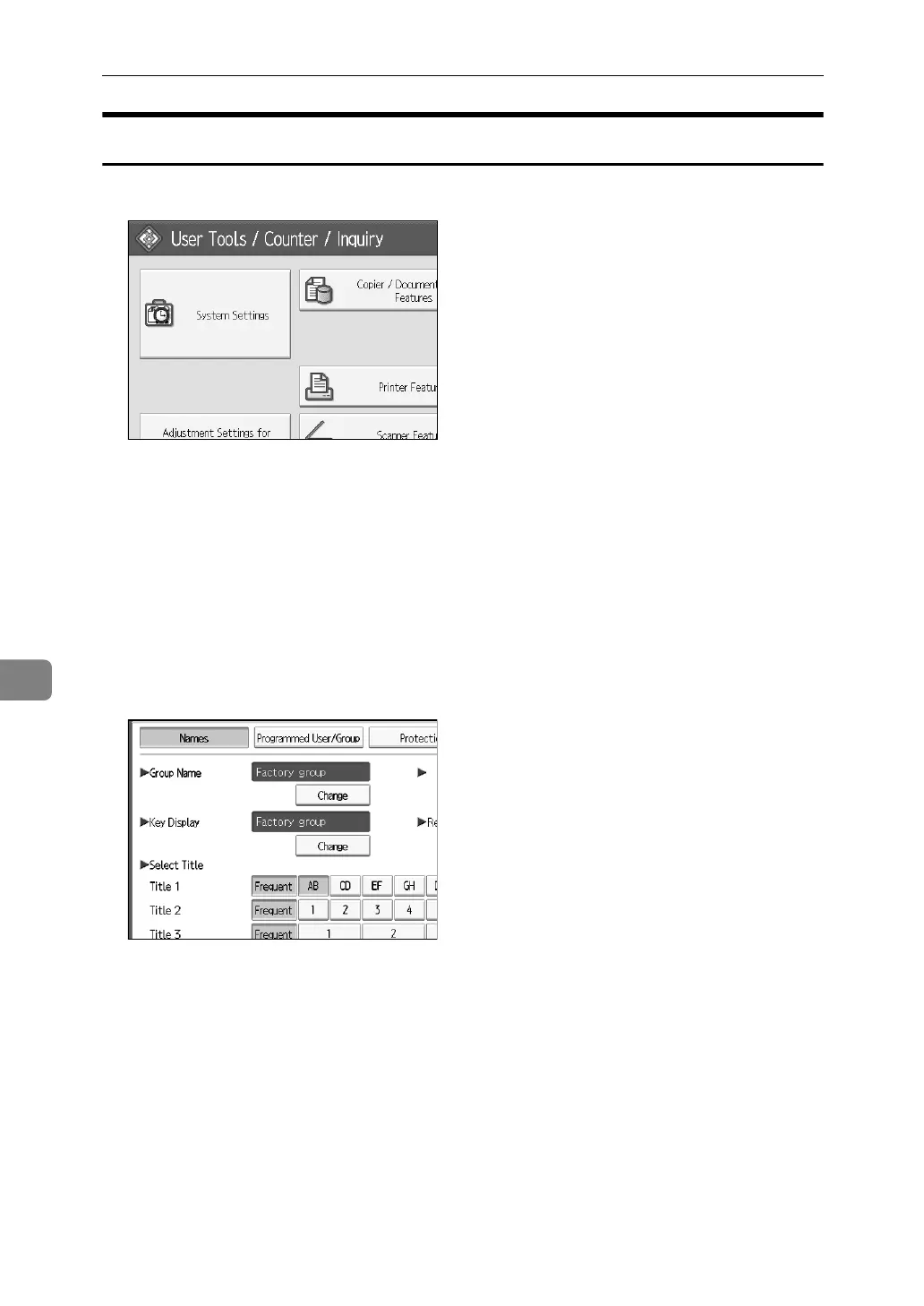
A Press [System Settings].
B Press [Administrator Tools].
C Press [Address Book: Program / Change / Delete Group].
D Check that [Program / Change] is selected.
E Press the group key you want to change.
You can search by the registered name, user code, folder name, or e-mail address.
F To change the group name and key display, press [Change] under Group
Name or Key Display.
G Enter the new group name or key display, and then press [OK].
H To change the title, press the title key under Select Title.
I To change the registration number, press [Change] under Registration No..
J Enter the new registration number using the number keys.
K Press the {#} key.
L Press [OK].



 To Next Page